



iFLYTEK AINOTE 2 AI Note-Taking Tablet | iFLYTEK EU

Black Friday Sale: Up to 20% OFF — Lowest Prices of the year. Shop Now !
Black Friday Price Promise: Find it cheaper later? We’ll refund the difference.
Cart
Your cart is currently empty.
Continue shopping
You May Also Like

Fast & free EU delivery

30-Day Hassle-Free Returns

1-Year Warranty

1 / 15

iFLYTEK AINOTE 2

€535,00 €669,00 20%OFF
Quantity

iFLYTEK AINOTE 2

€535,00 €669,00 Save €134,00
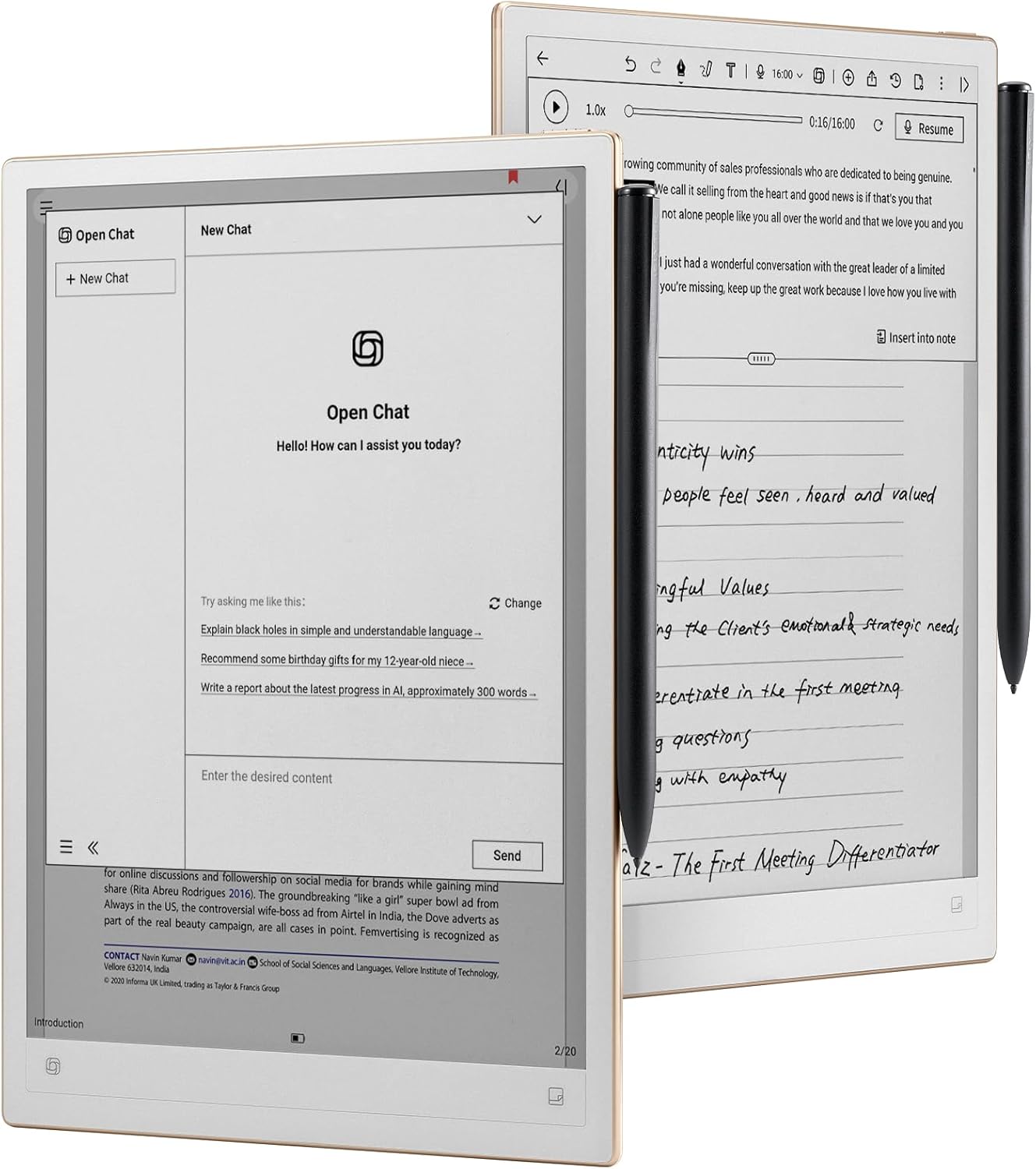
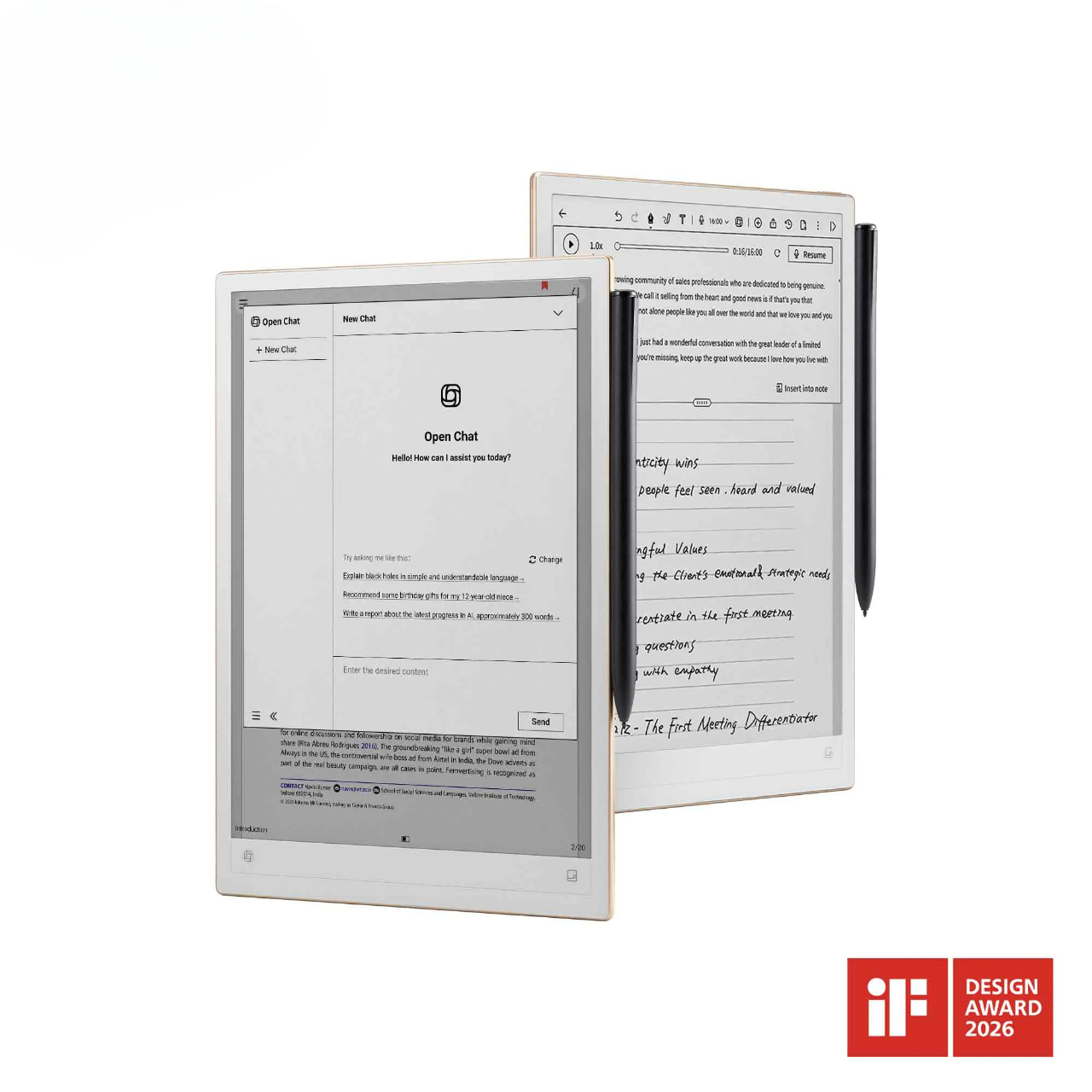
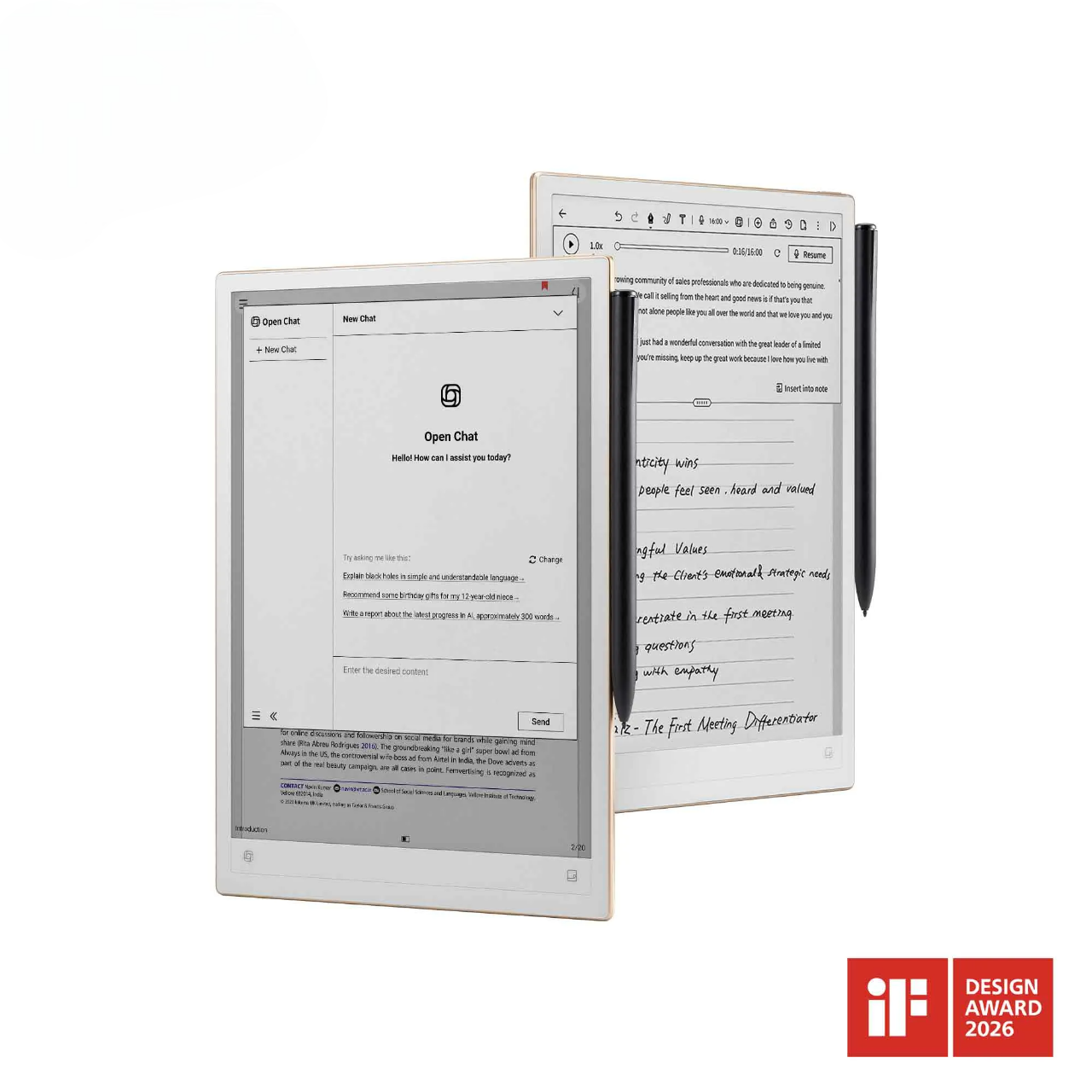
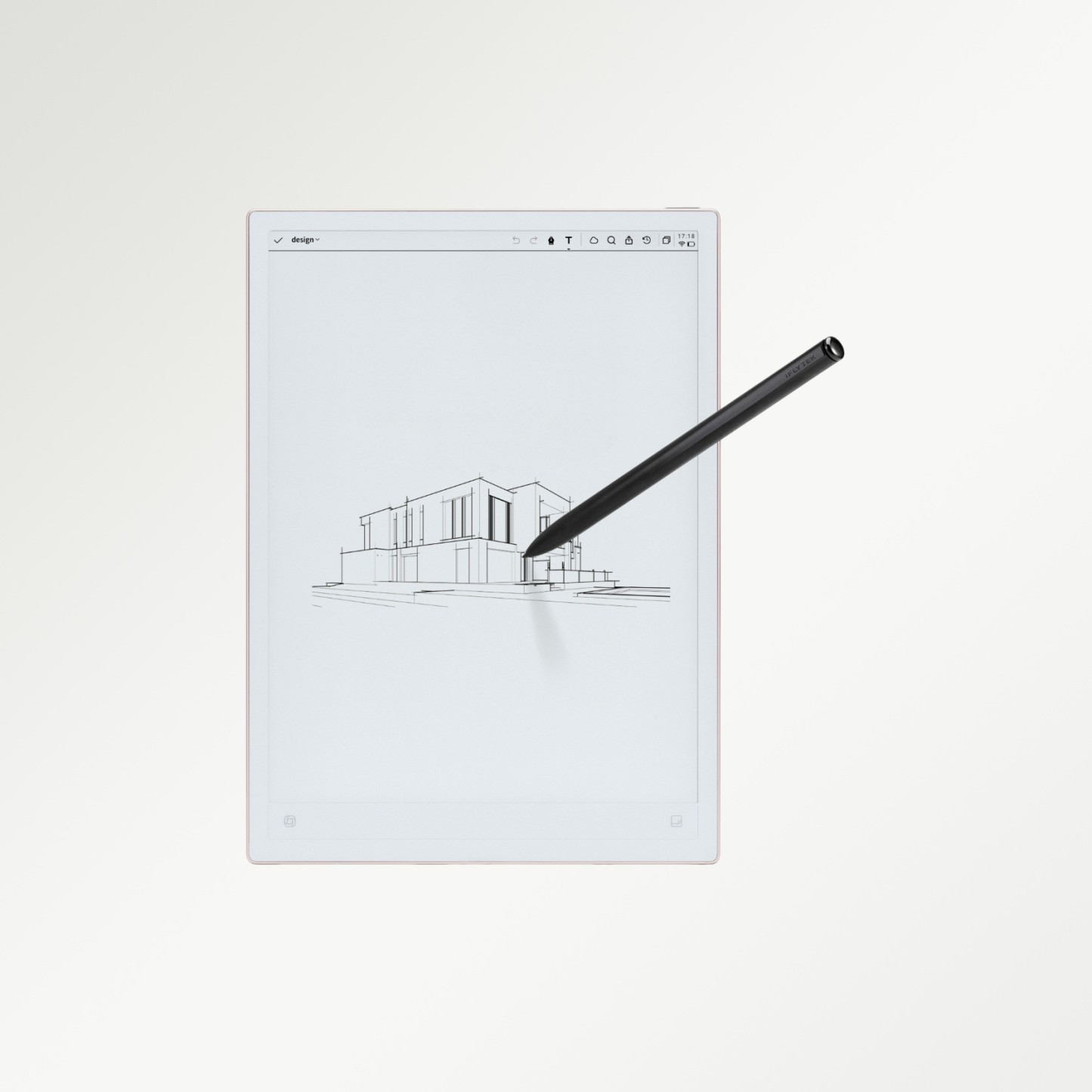
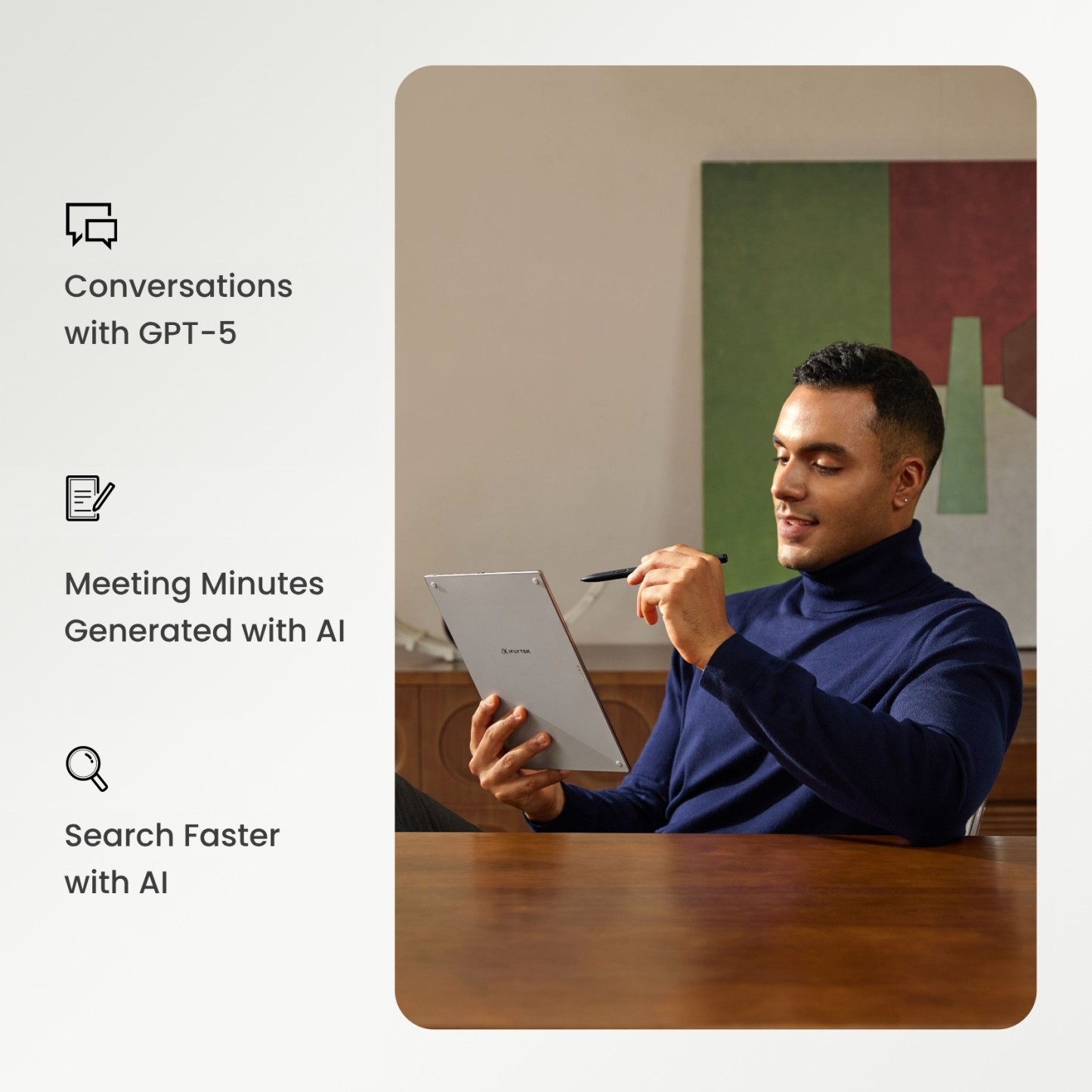
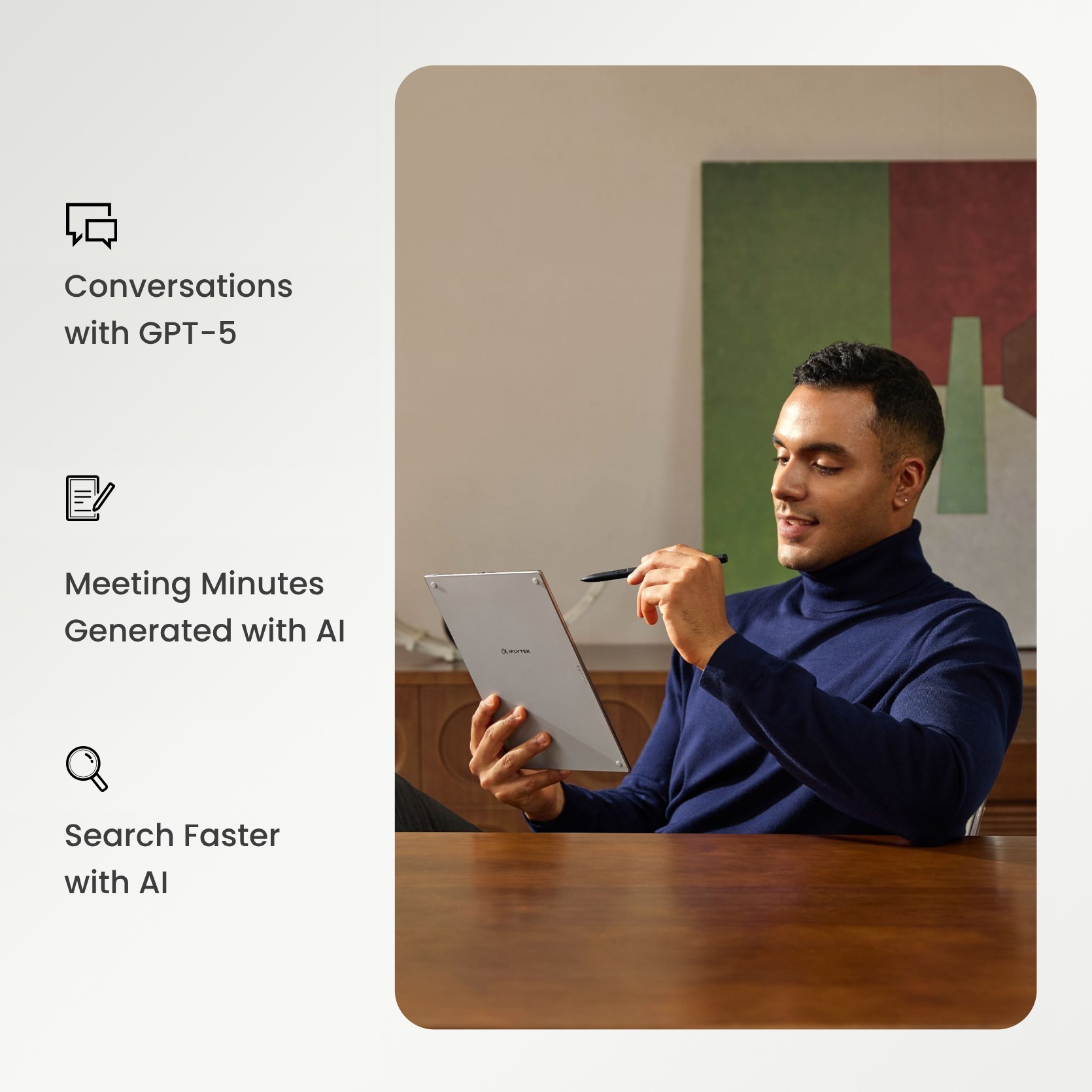
  • Equipped with Large Language Models,  creates meeting minutes in seconds. Capture and retrieve your thoughts on the go, ensuring your thinking flows without interruption.

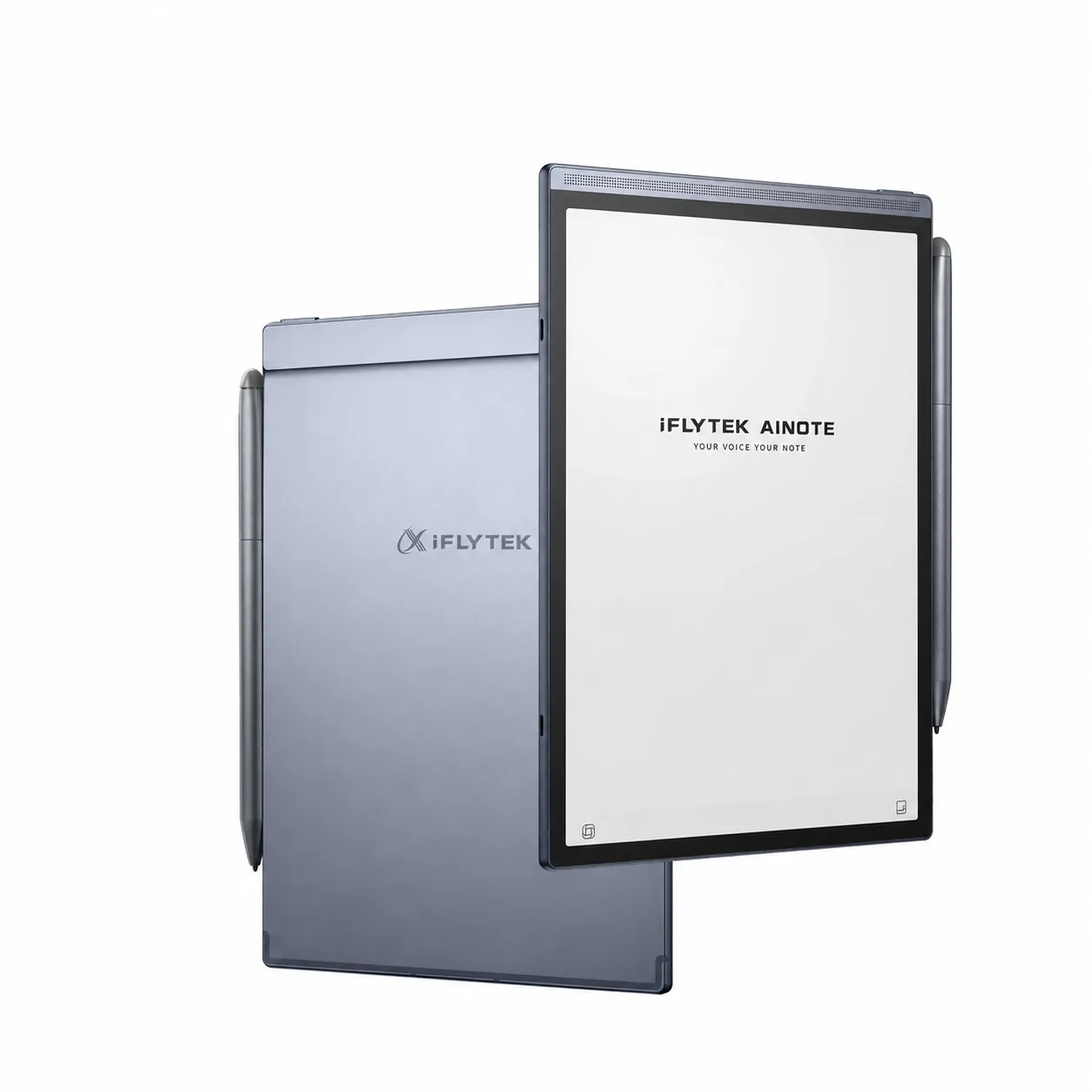
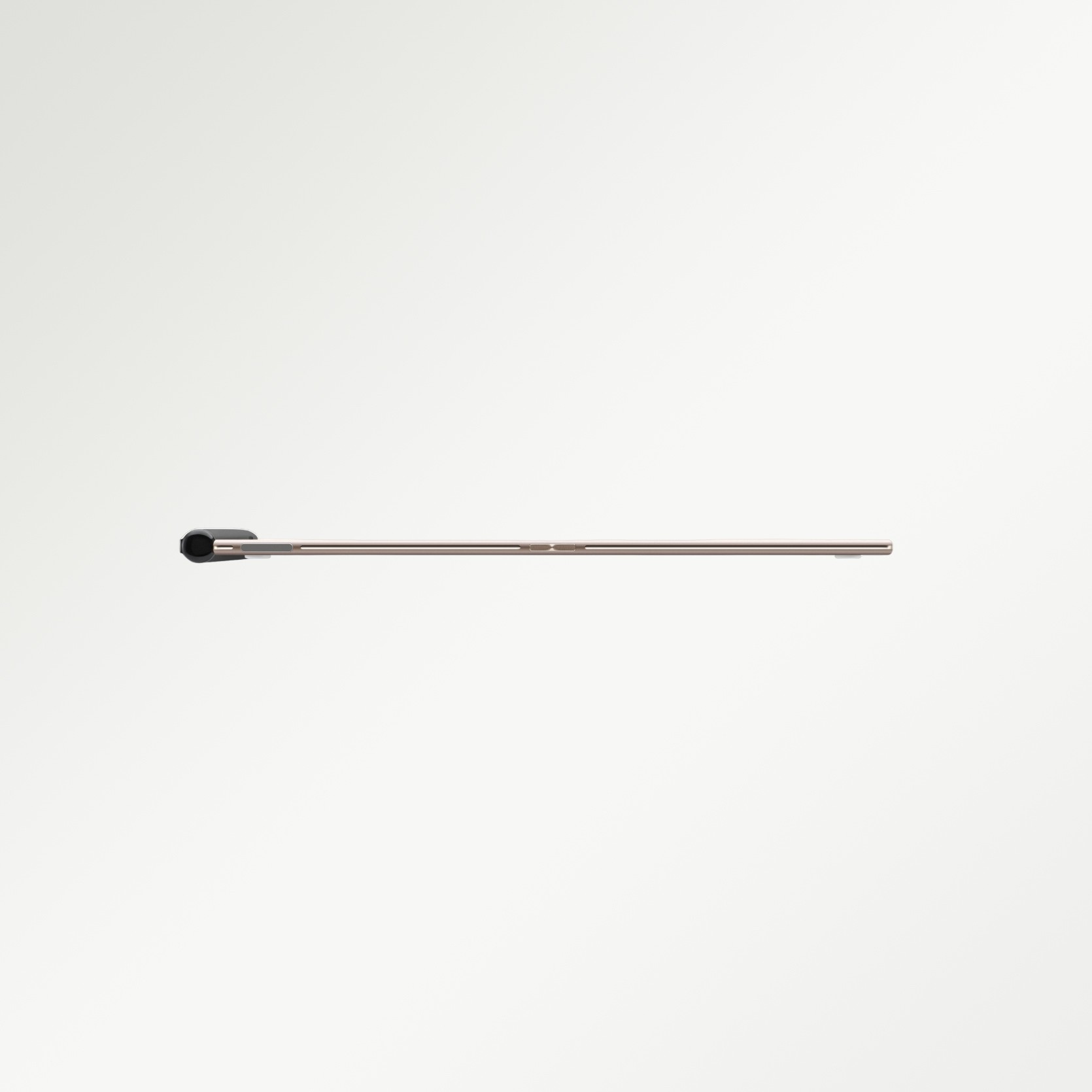
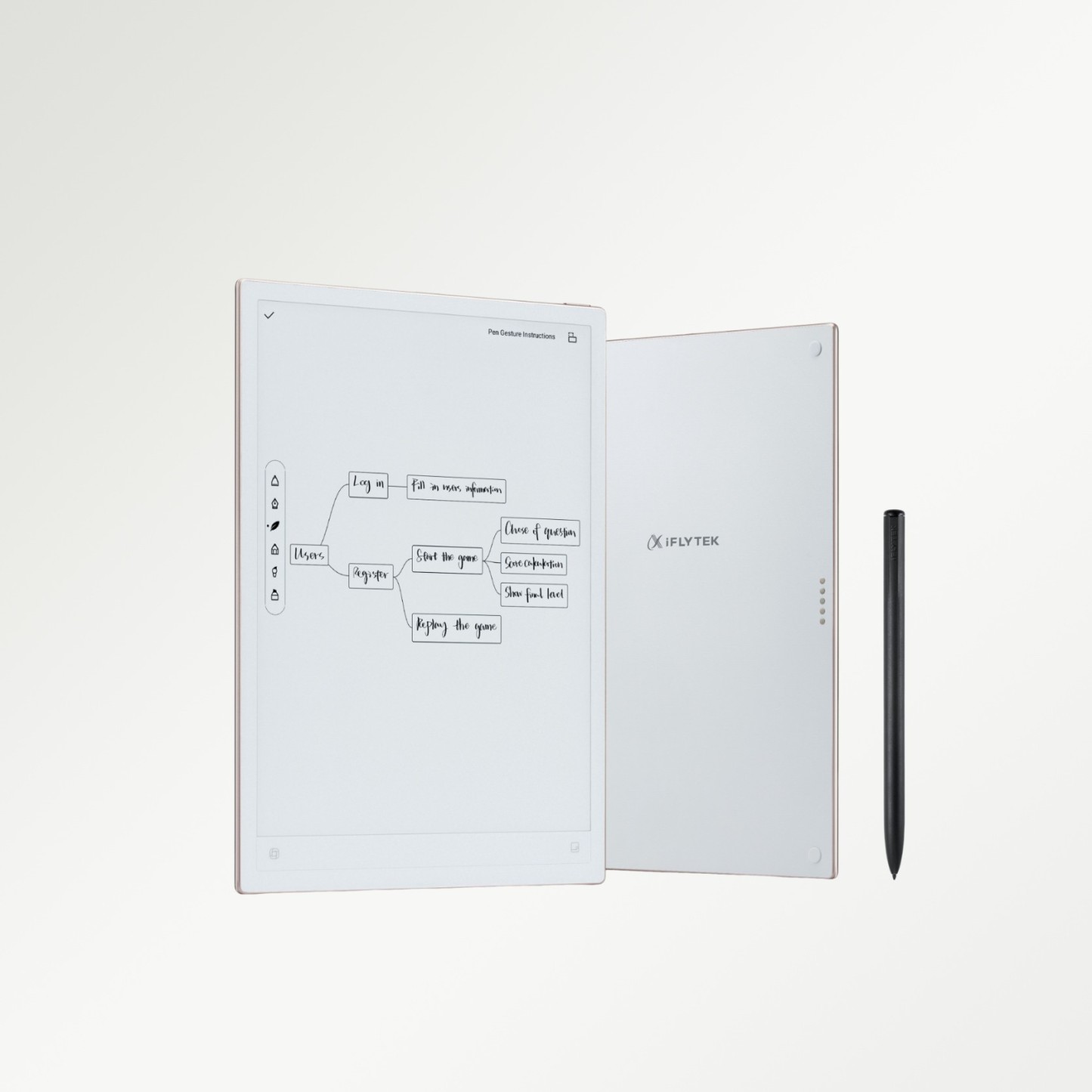
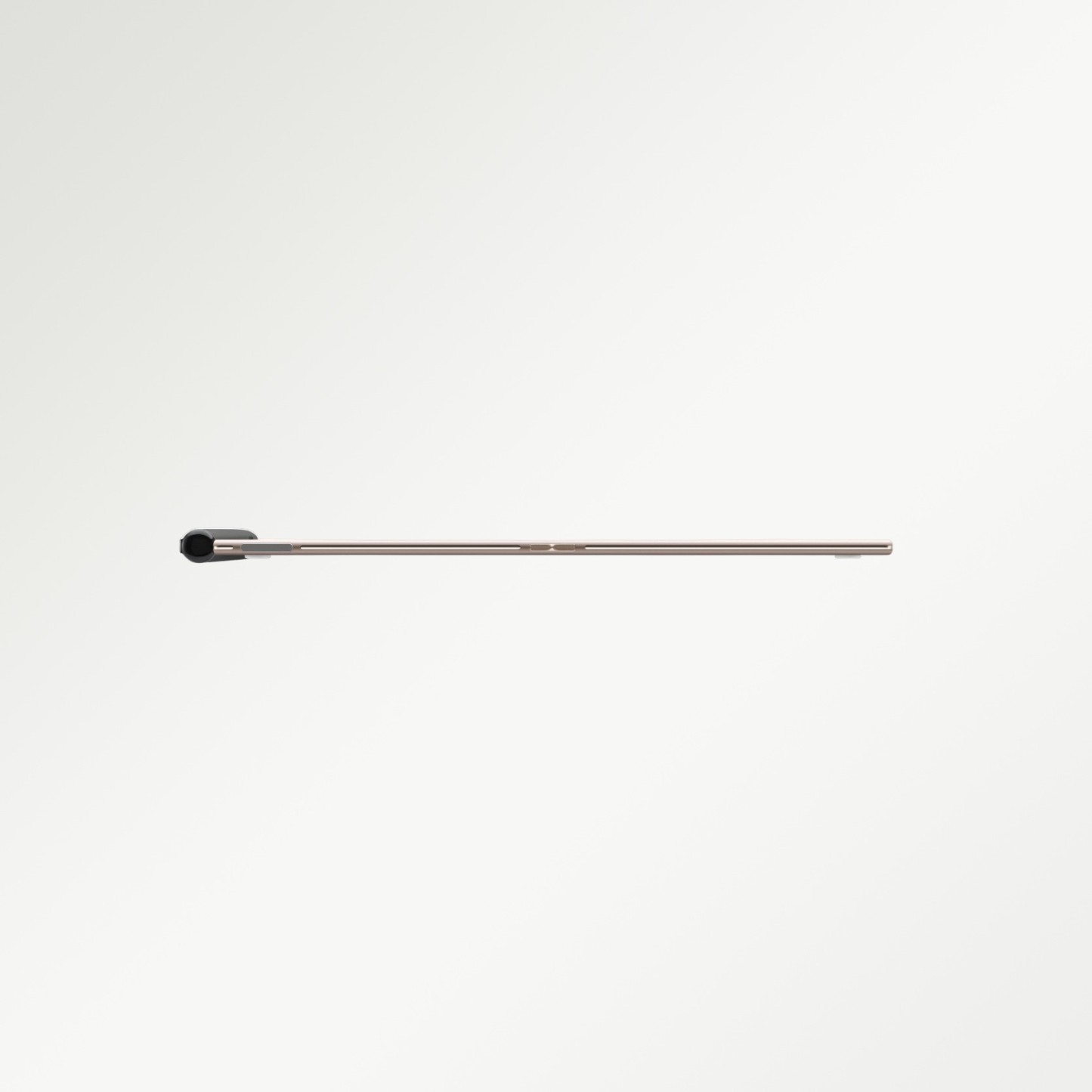
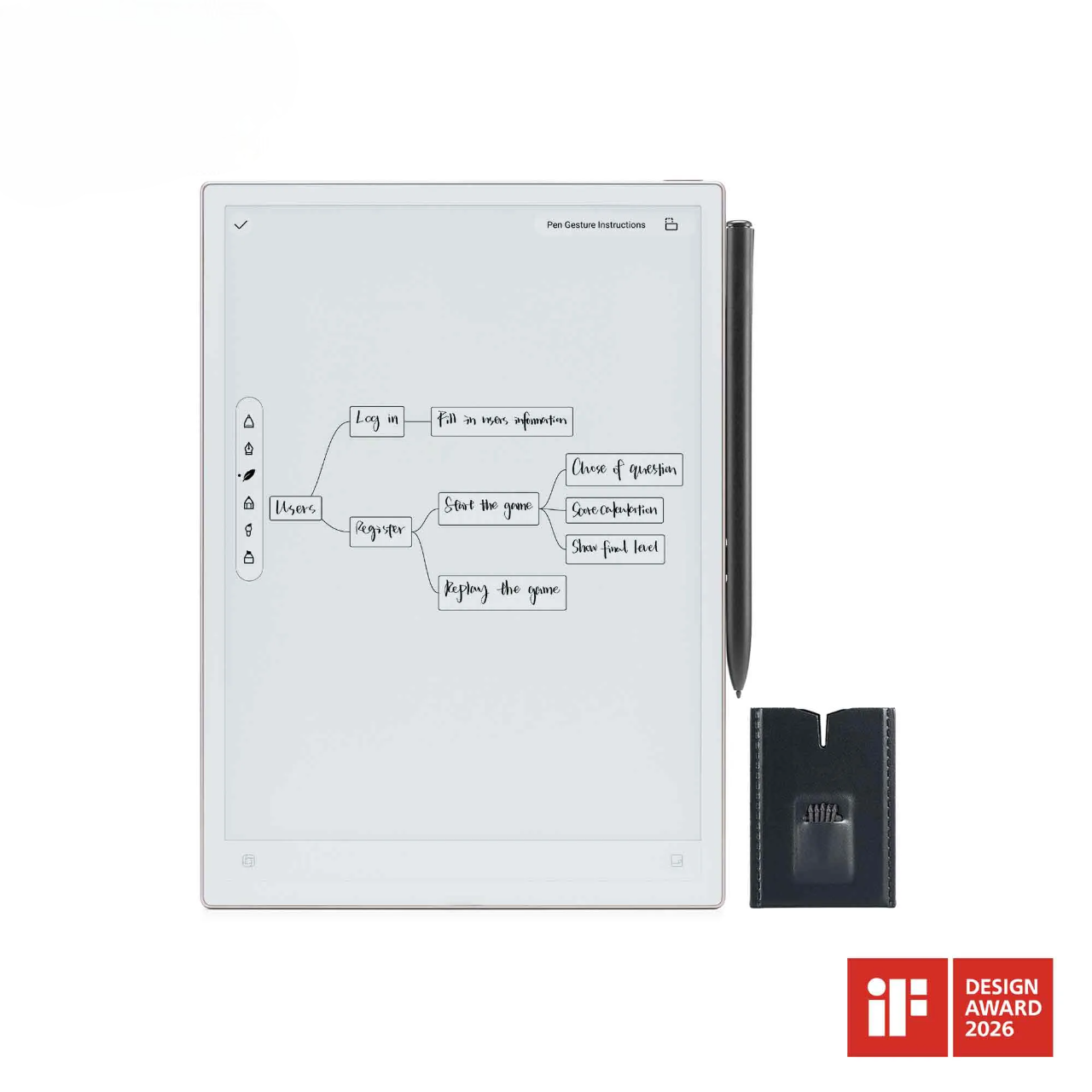
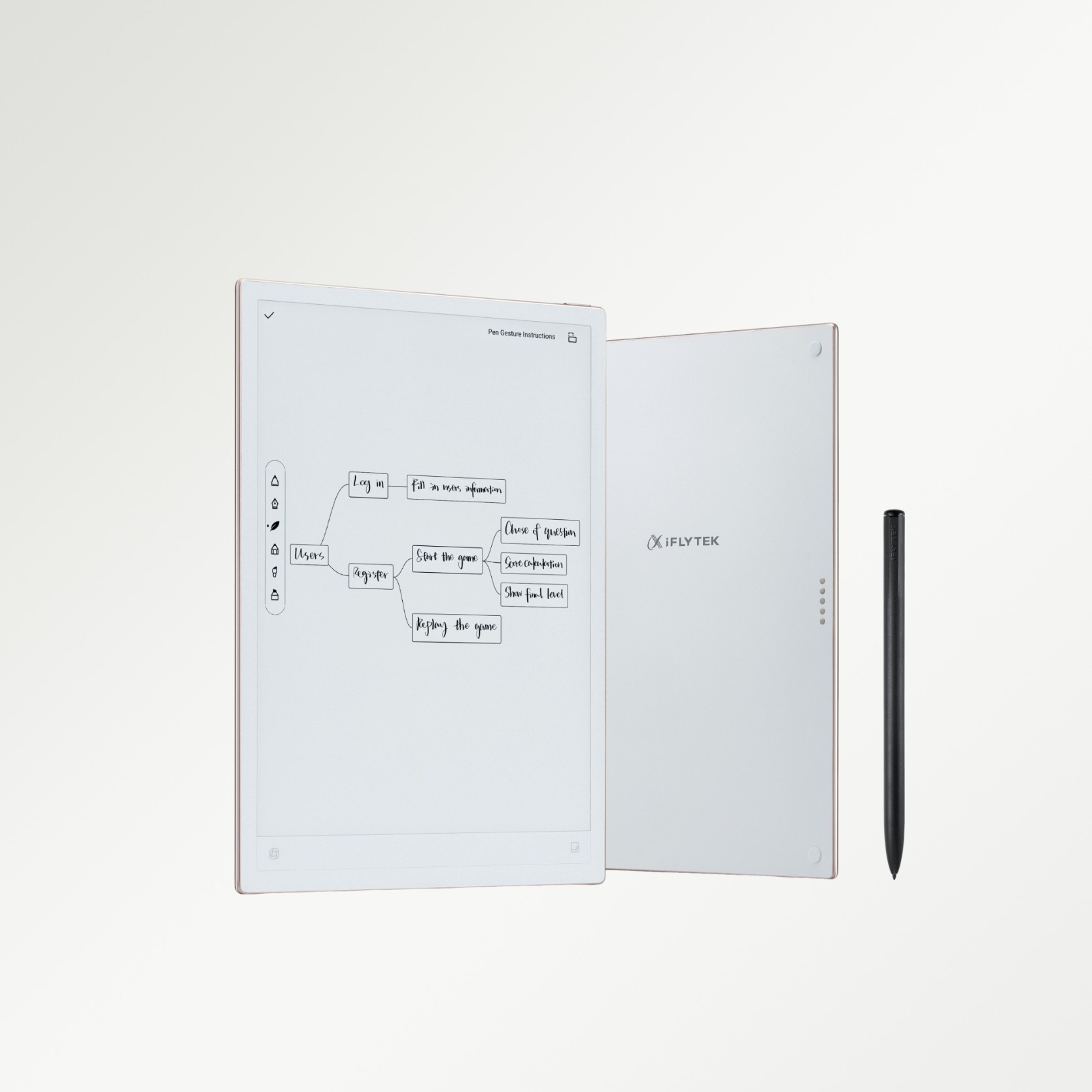
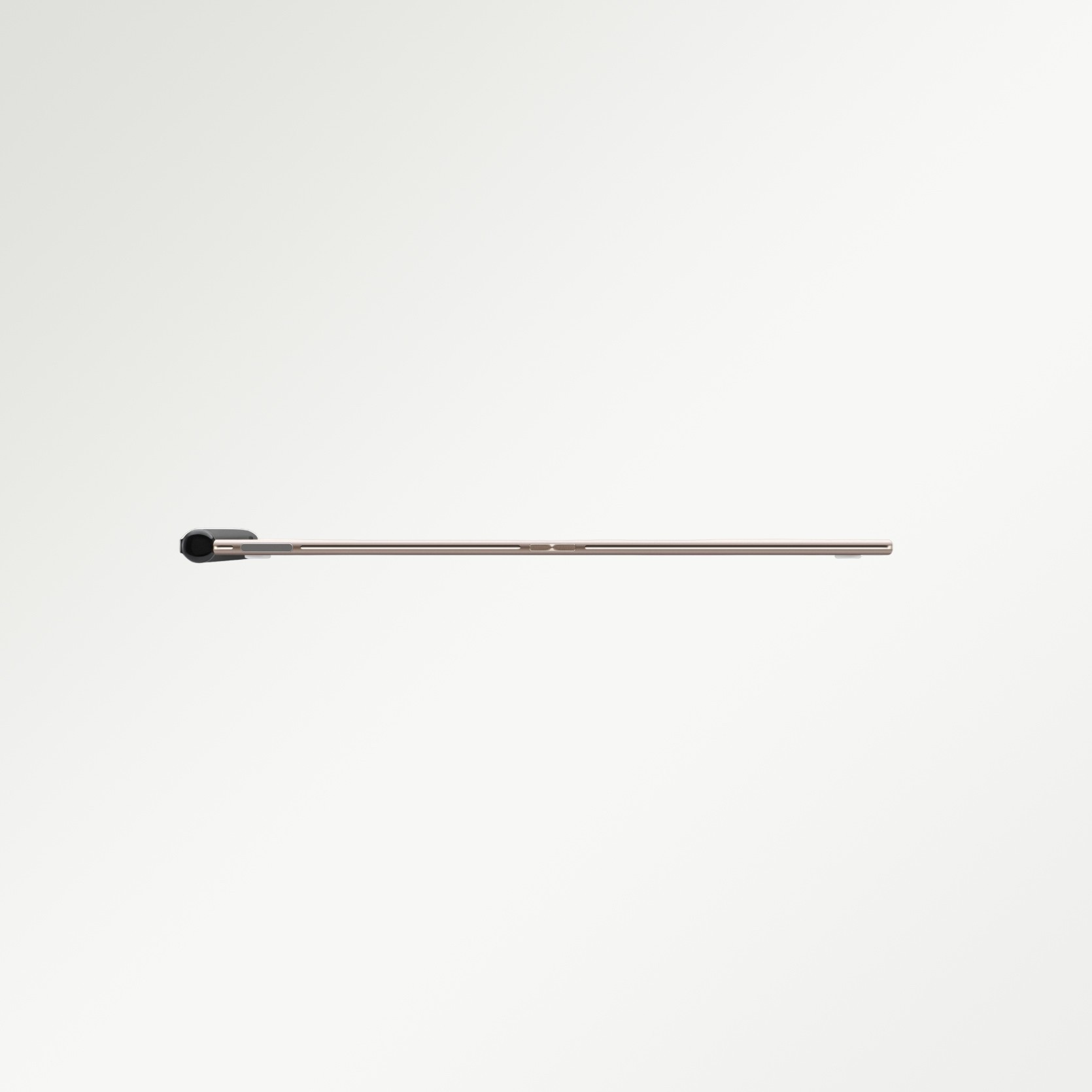
  • Ultra-Thin & Feather-Light Design – Only 4.2 mm thick.

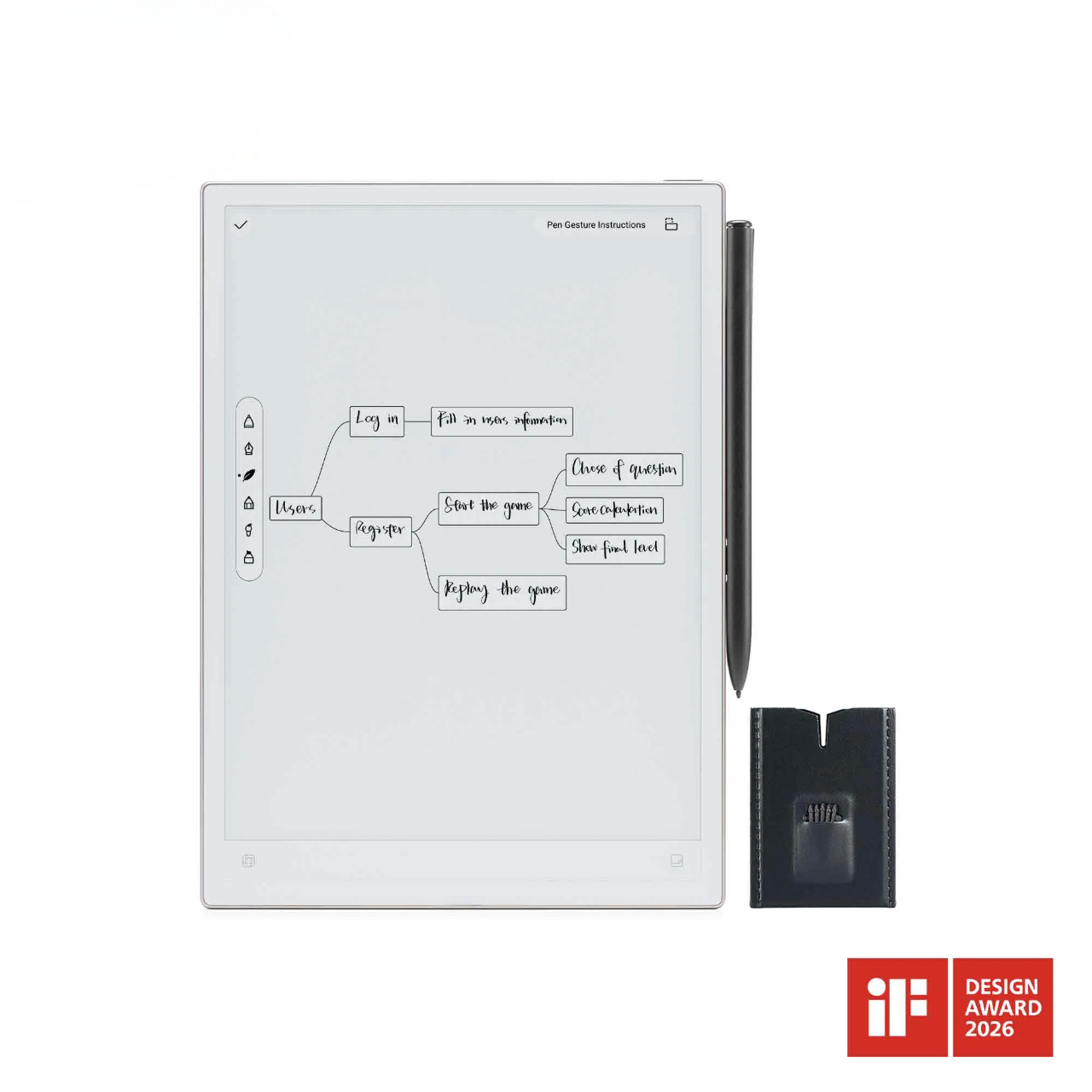
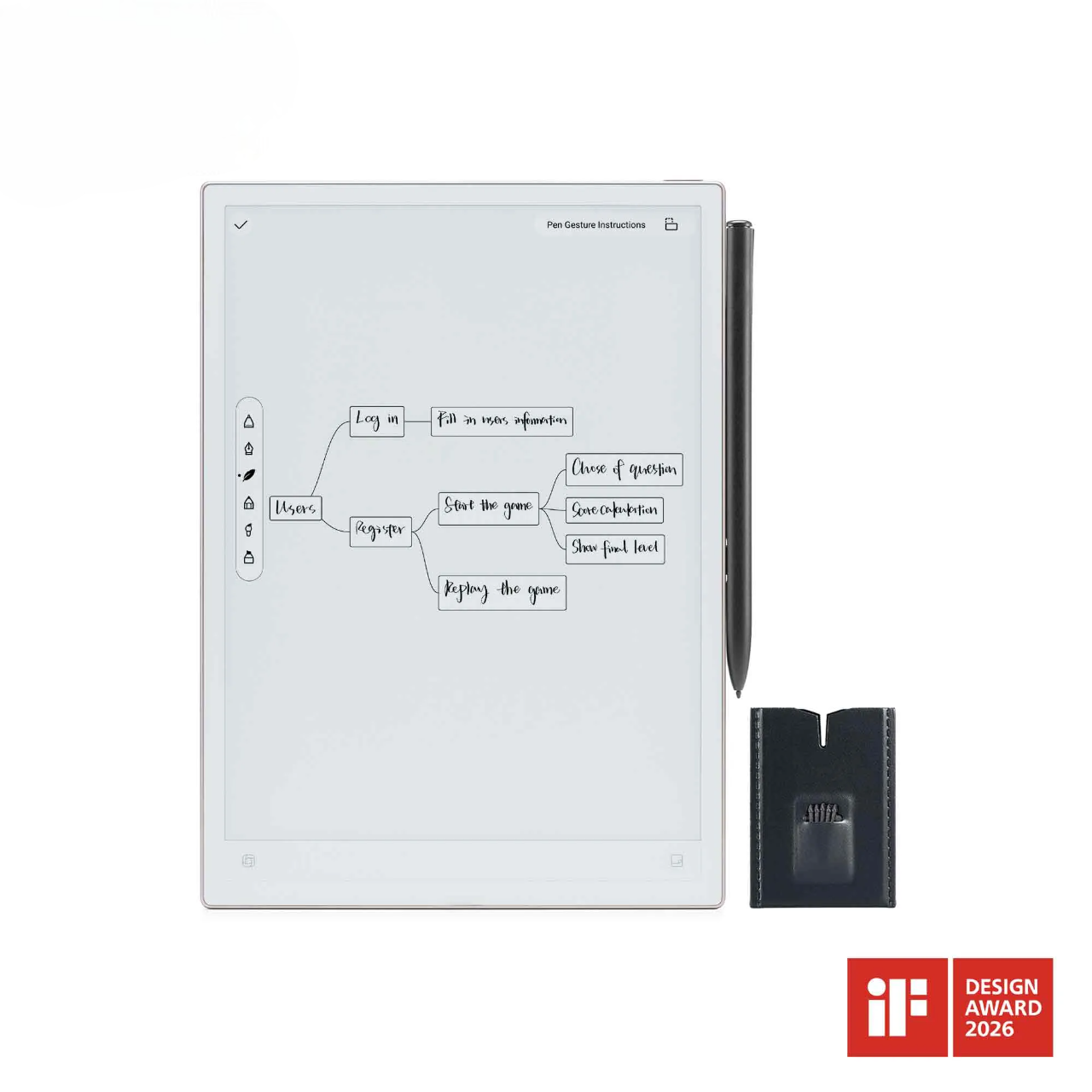
  • A 10.65" paper-like screen that’s gentle on your eyes.

  • A feather-light 4.2mm body that slips into your bag.

  • Every swipe feels smooth. Every stroke feels real. Every idea stays captured, so you can focus on flow, not friction.

Free & Fast Shipping
30-Day Money Back Policy
1-Year Warranty
iFLYTEK AINOTE 2, The World's First LLM-Powered Paper Tablet iFLYTEK AINOTE 2, The World's First GPT-5-Powered Paper Tablet iFLYTEK AINOTE 2, The World's First GPT-5-Powered Paper Tablet iFLYTEK AINOTE 2, The World's First GPT-5-Powered Paper Tablet iFLYTEK AINOTE 2, The World's First GPT-5-Powered Paper Tablet iFLYTEK AINOTE 2, The World's First GPT-5-Powered Paper Tablet iFLYTEK AINOTE 2, The World's First GPT-5-Powered Paper Tablet iFLYTEK AINOTE 2, The World's First GPT-5-Powered Paper Tablet iFLYTEK AINOTE 2 iFLYTEK AINOTE 2, The World's First GPT-5-Powered Paper Tablet iFLYTEK AINOTE 2, The World's First GPT-5-Powered Paper Tablet iFLYTEK AINOTE 2, The World's First LLM-Powered Paper Tablet iFLYTEK AINOTE 2, The World's First LLM-Powered Paper Tablet iFLYTEK AINOTE 2, The World's First GPT-5-Powered Paper Tablet

iFLYTEK AINOTE 2

Ideas in focus. Work in motion.
Watch the film

One Meeting, A Complete AI Workflow

Capture

Capture Every Word, Stay in the Conversation

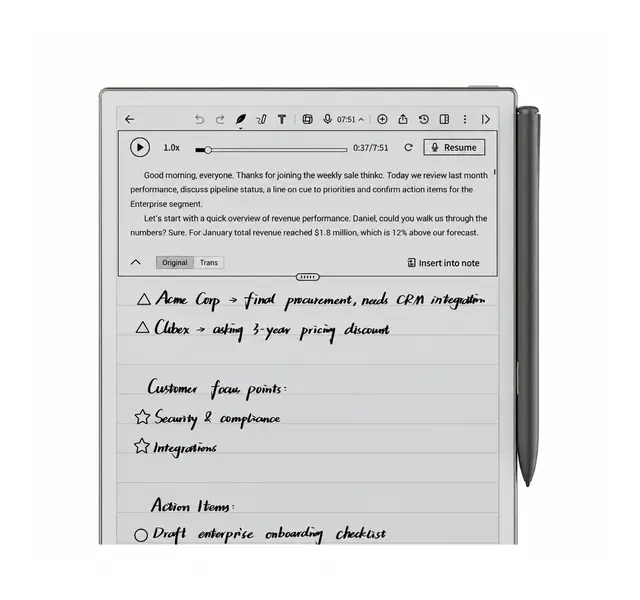
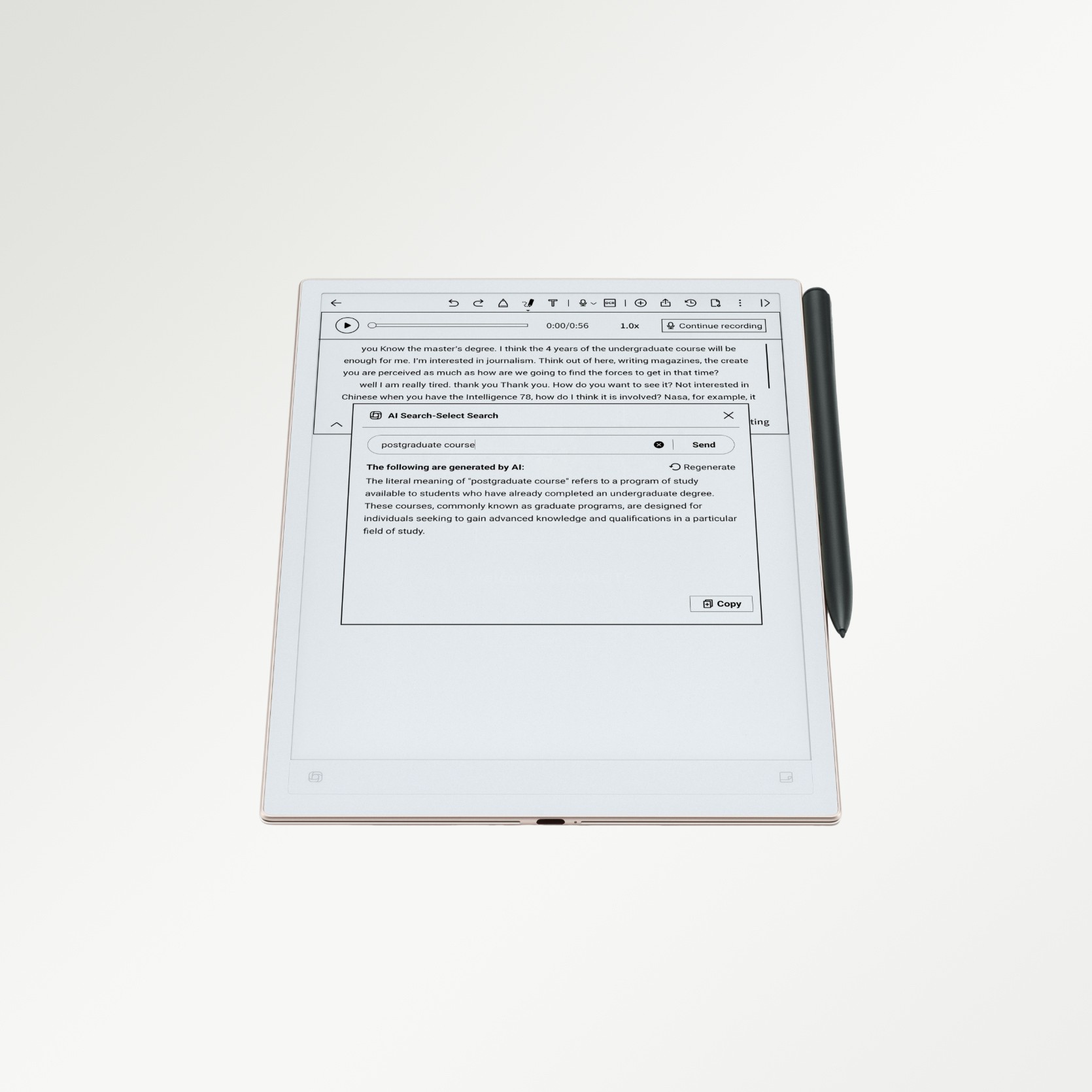
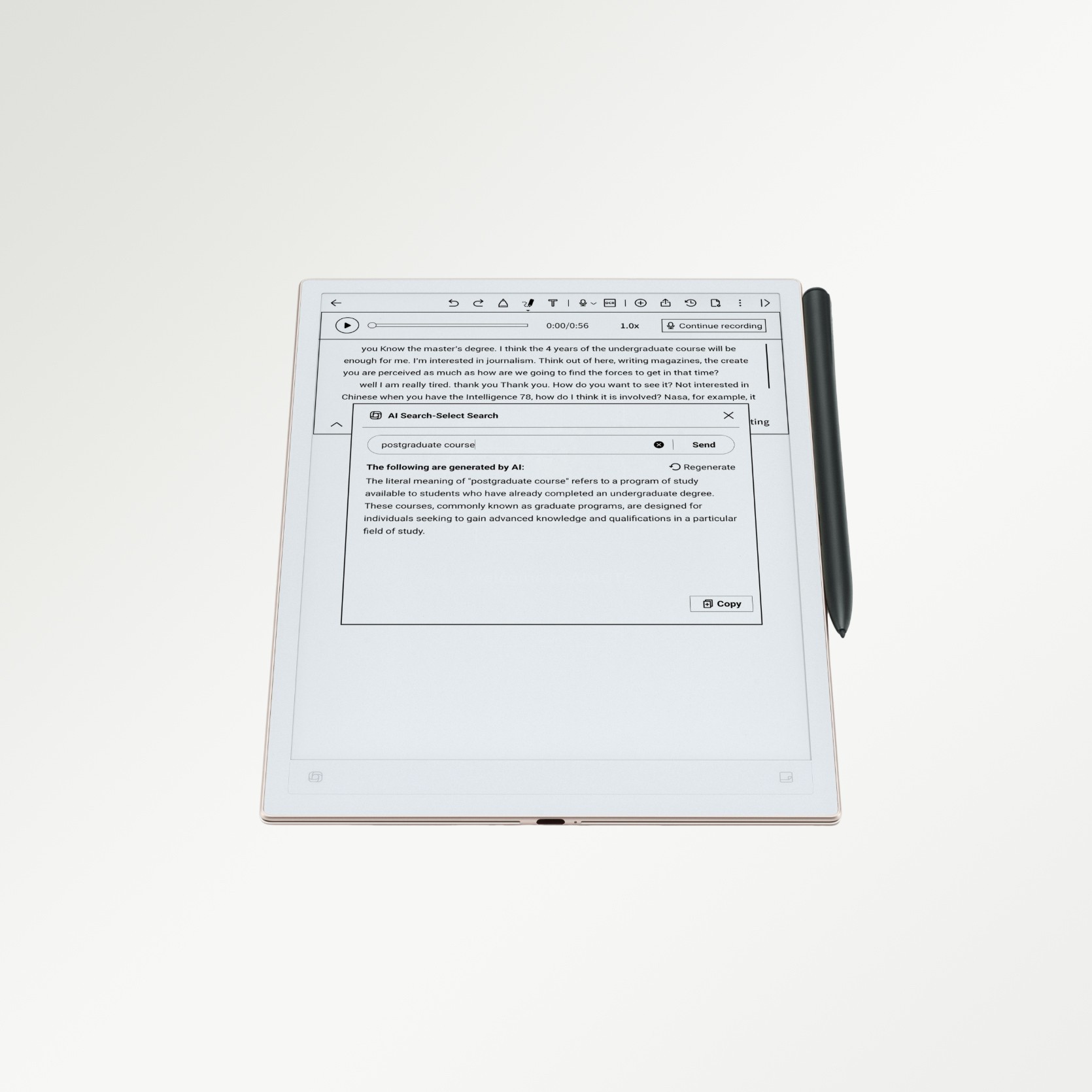
Record and transcribe your meeting in real time, with speakers automatically separated. Your handwritten notes stay linked to the audio timeline, so you can tap a note to revisit what was said at that moment—and stay focused on the conversation as it happens.
Write

Add Your Thinking, Write It Your Way

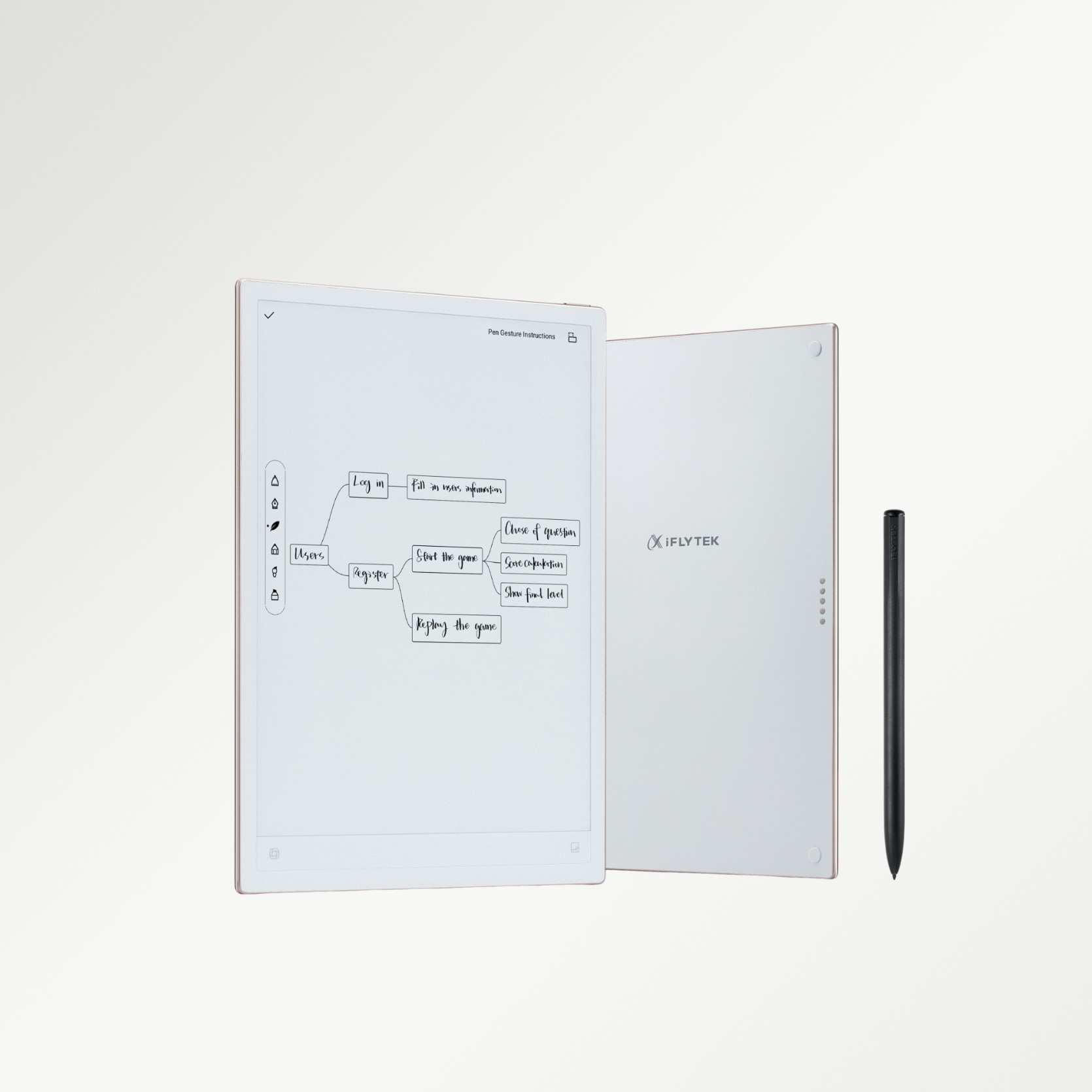
Write down key ideas, sketch connections, and add your own thoughts as the discussion unfolds. Convert your handwriting into editable text and save the meeting transcript to your notes, making it easier to review, search, and share both the conversation and your thinking.

Extract

From Conversation to Clarity

Turn a full meeting into structured minutes with AI. Bring key points, decisions, and action items into a clear summary, so you can quickly review what matters, see what was agreed, and identify the next steps without reading through the entire transcript.

Act

Turn Next Steps into Action

Turn action items from your meeting summary into tasks, then add them to your calendar as events without re-entering the details. Keep track of follow-ups and mark tasks complete as you go, carrying the meeting’s decisions forward into your day-to-day work.

More Ways to Work with Your Notes

Across languages, ideas, and apps—make your notes work the way you do.

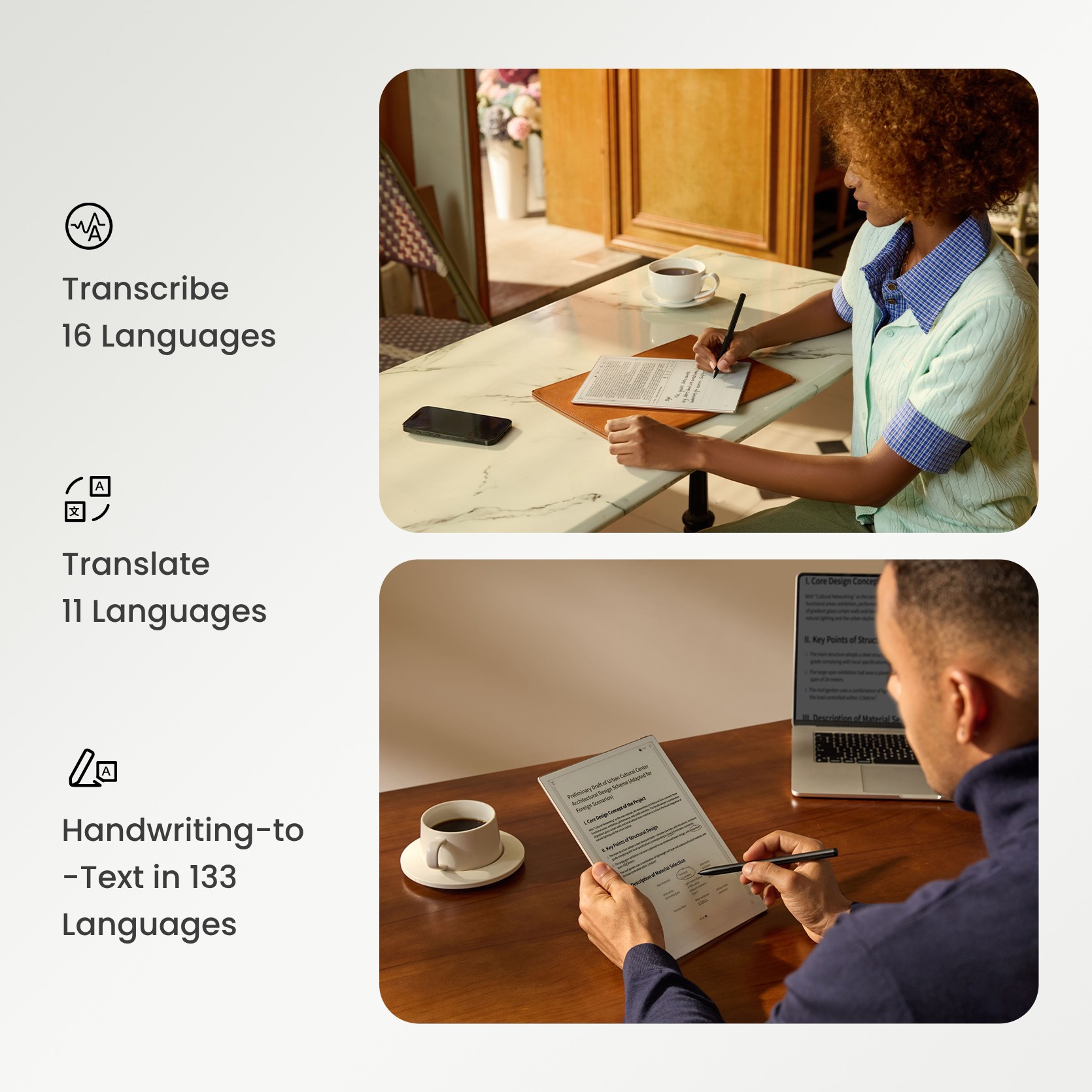
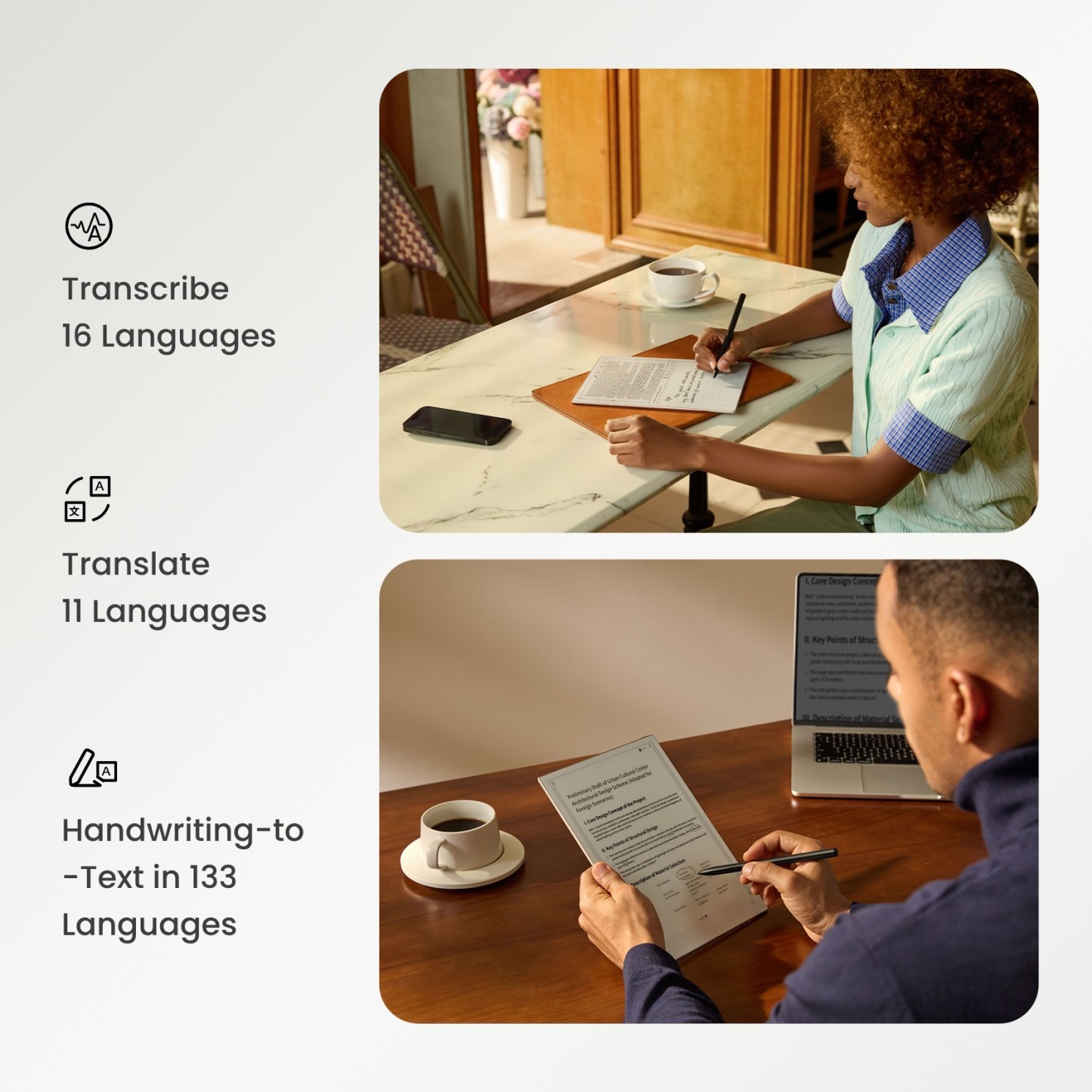
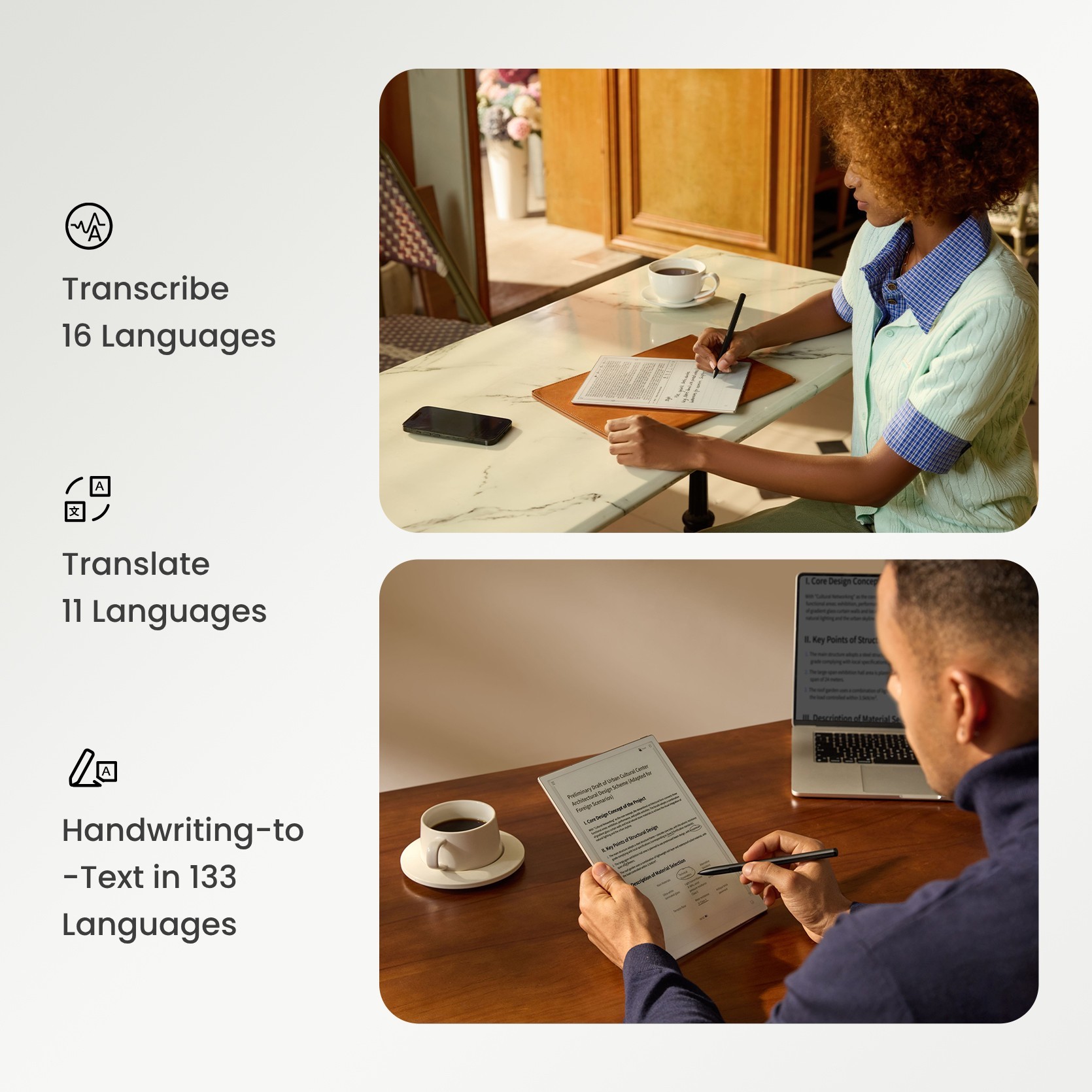
Transcribe in 19 languages and translate in 15, helping you follow conversations across language barriers.

Turn handwritten notes into editable text with OCR, ready to refine, reuse, and share.

Search by keyword or ask AI about your notes to find the information you need.

Sync with Google and Outlook calendars, export notes to Word or PDF, and share via cloud storage.

The Feel of Paper. The Flow of Ideas.

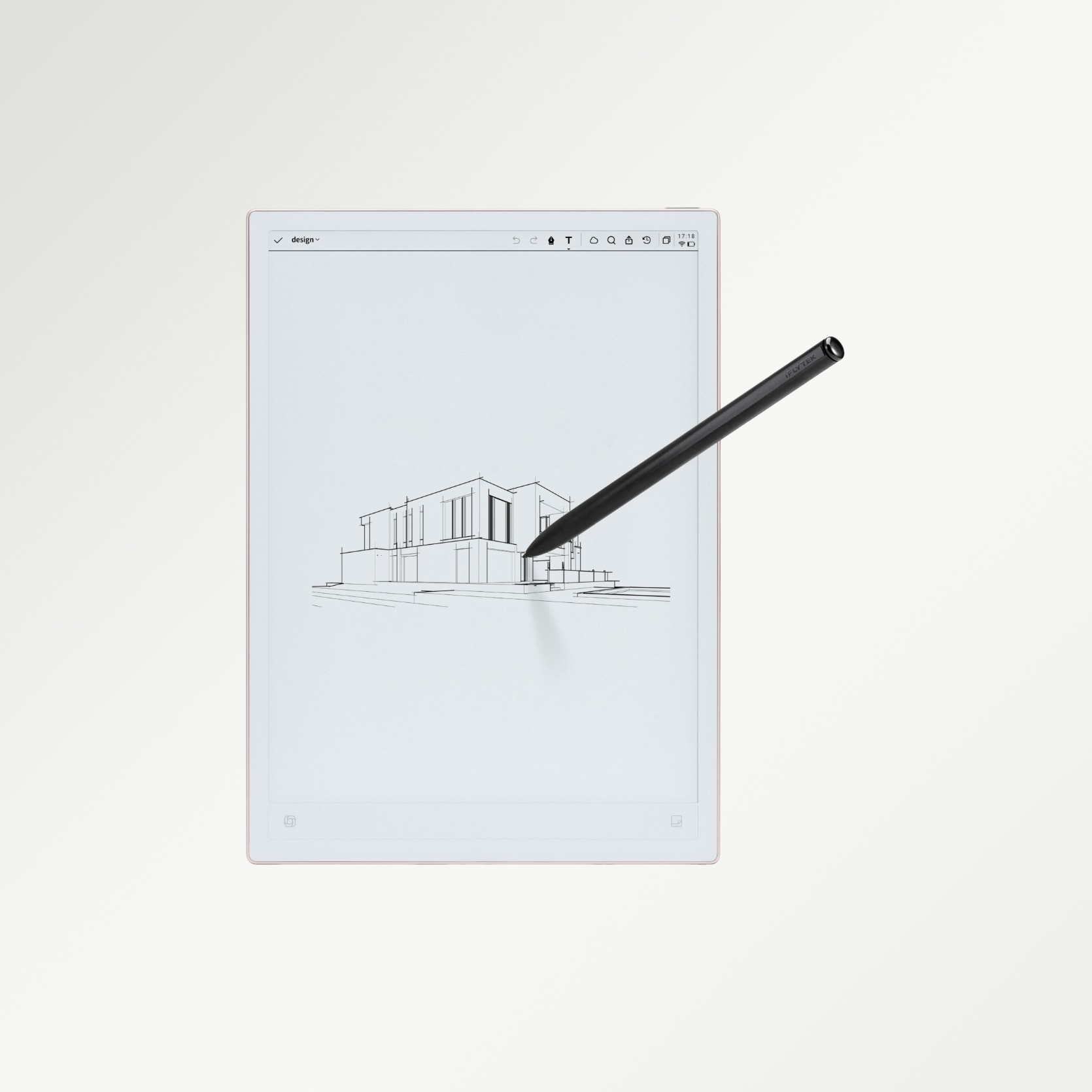
Write naturally with 20 ms latency, from your first thought to the last detail.

Write Naturally, Create Freely

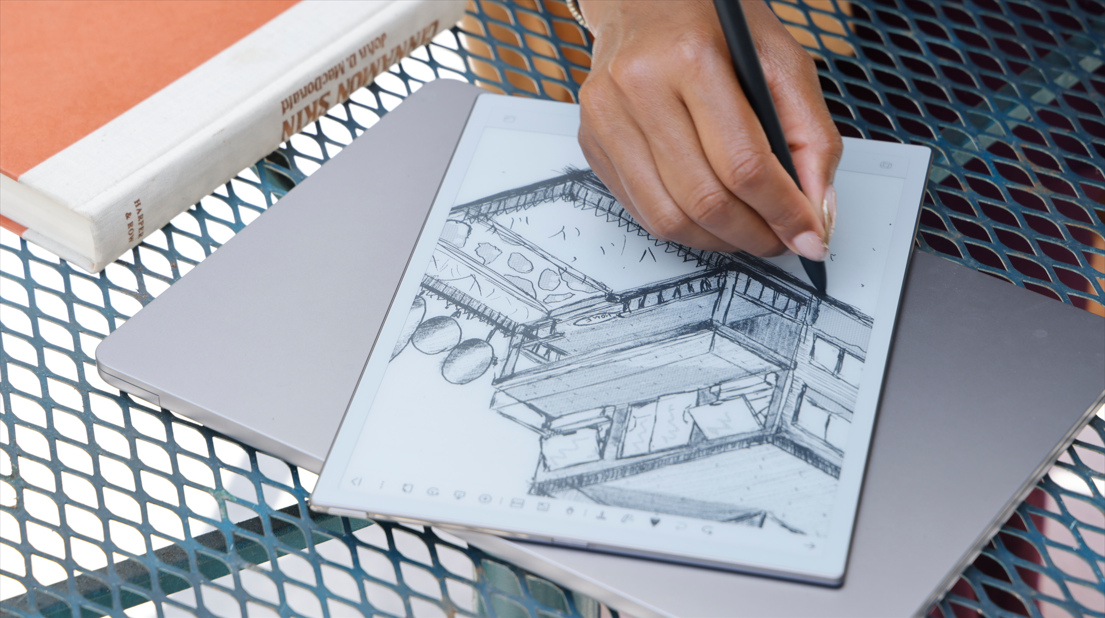
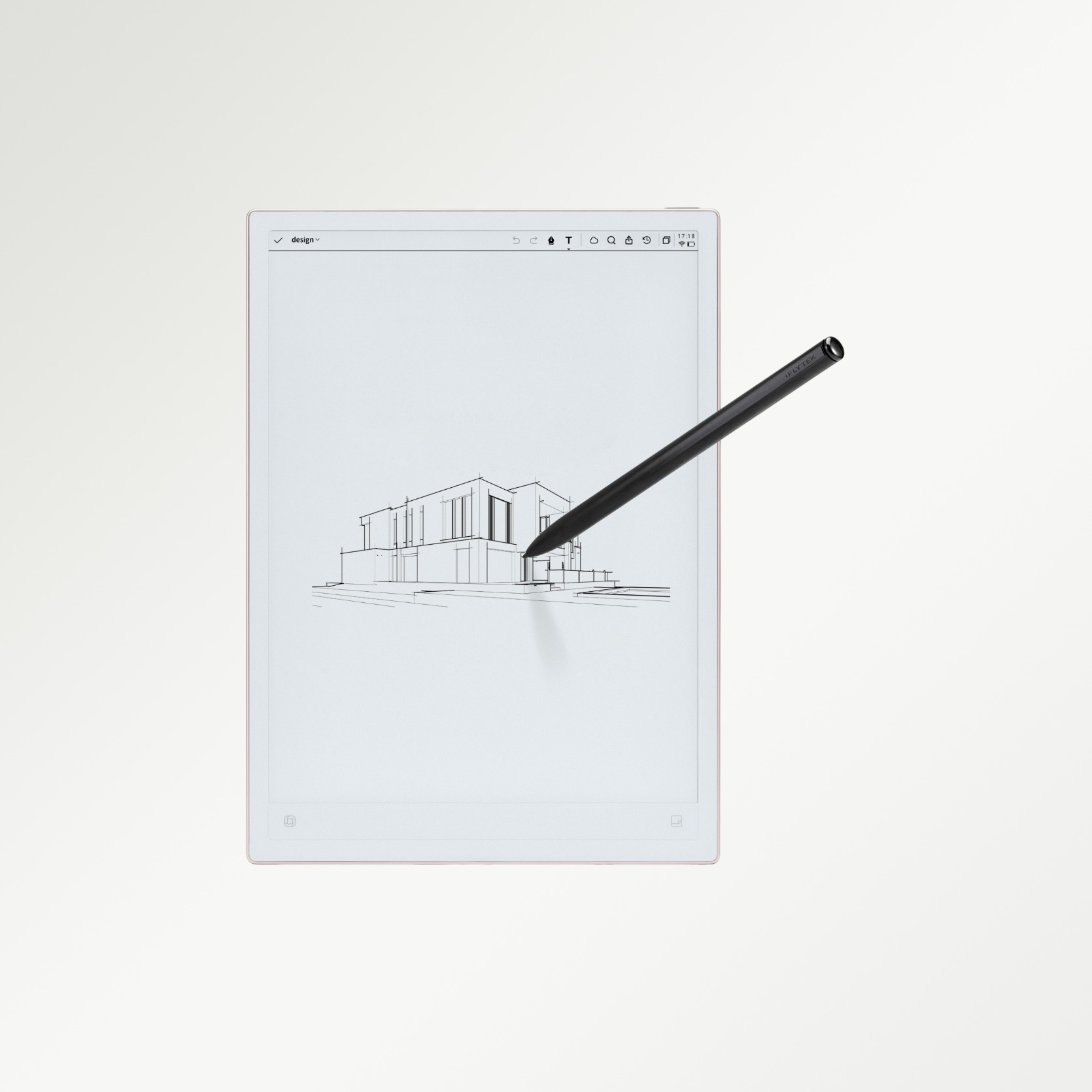
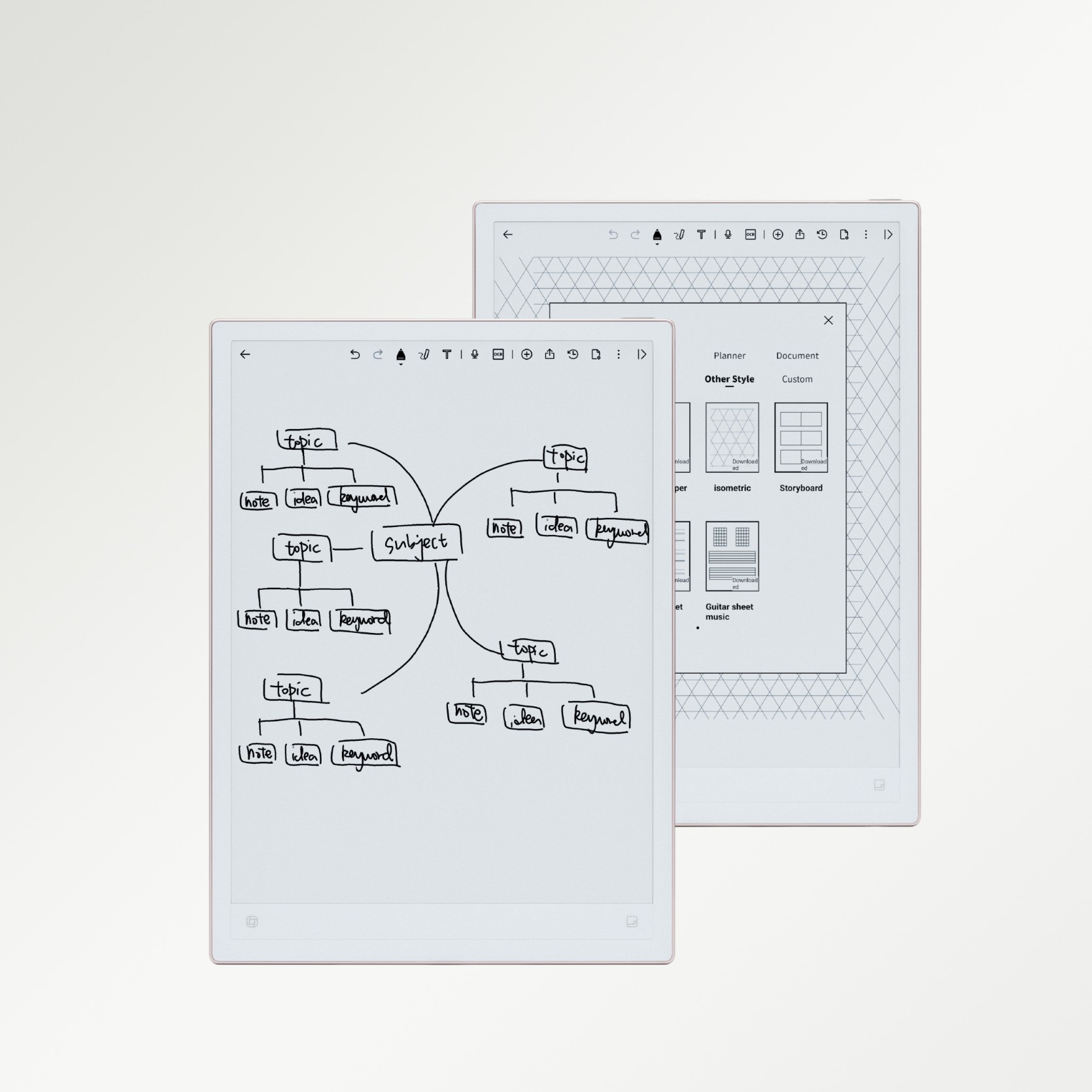
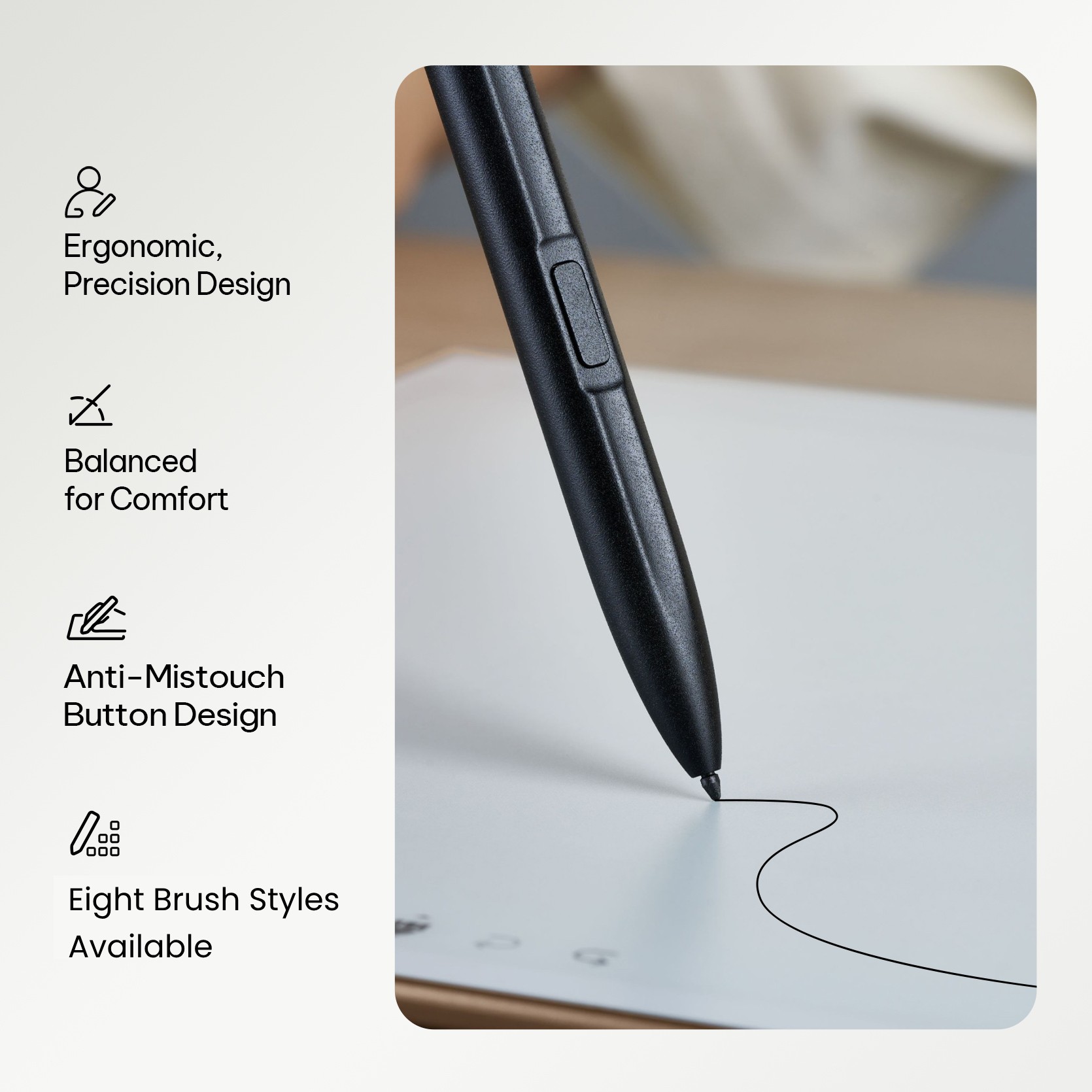
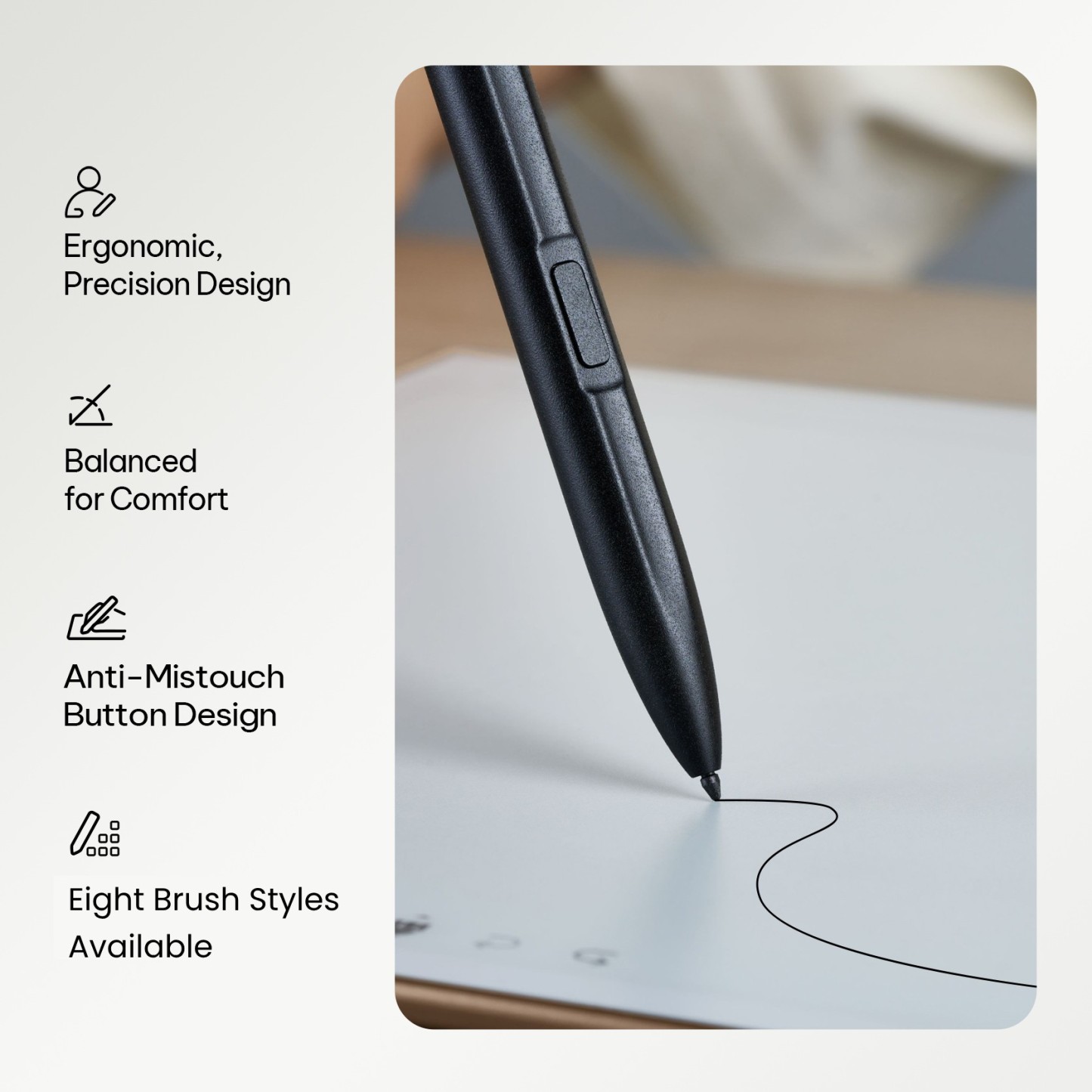
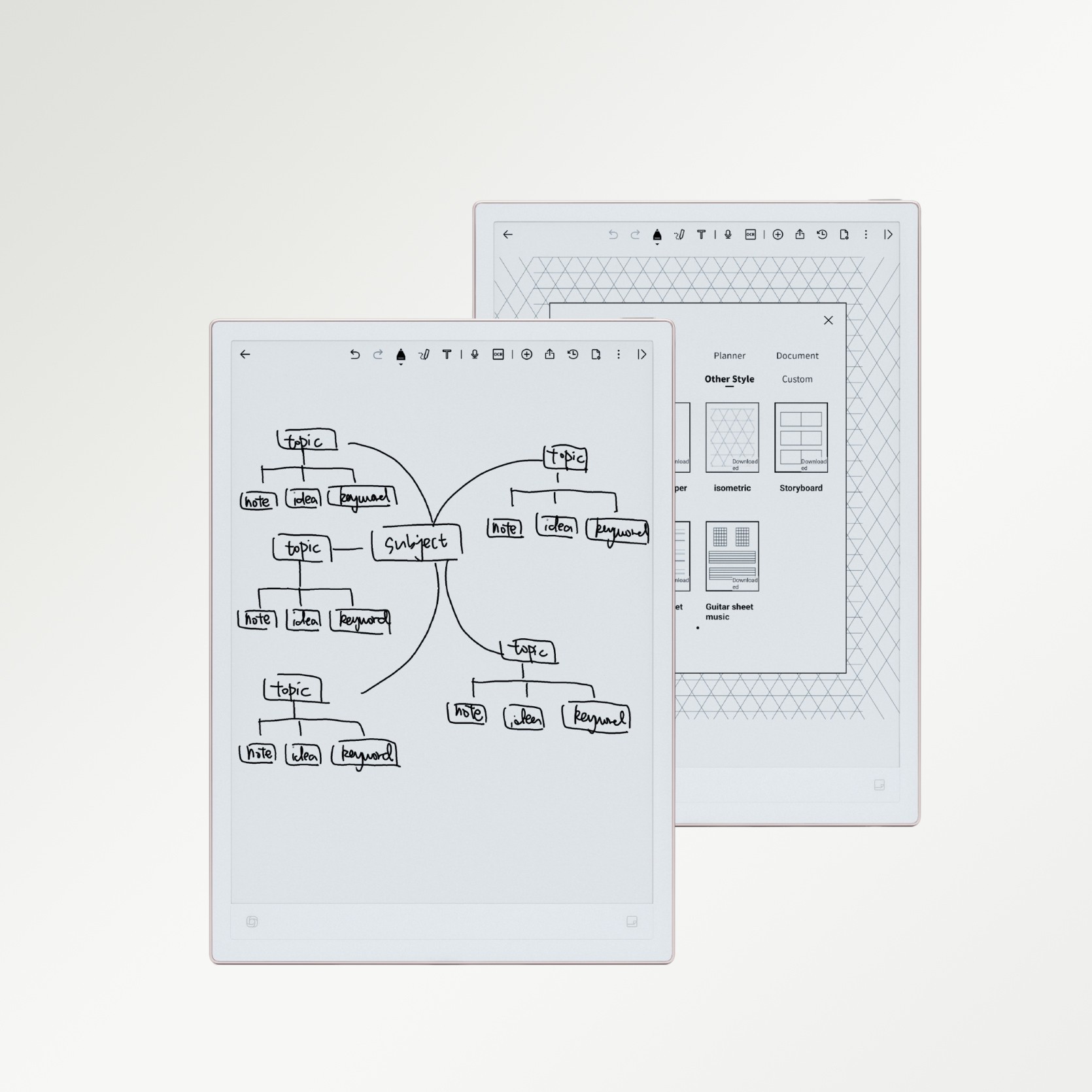
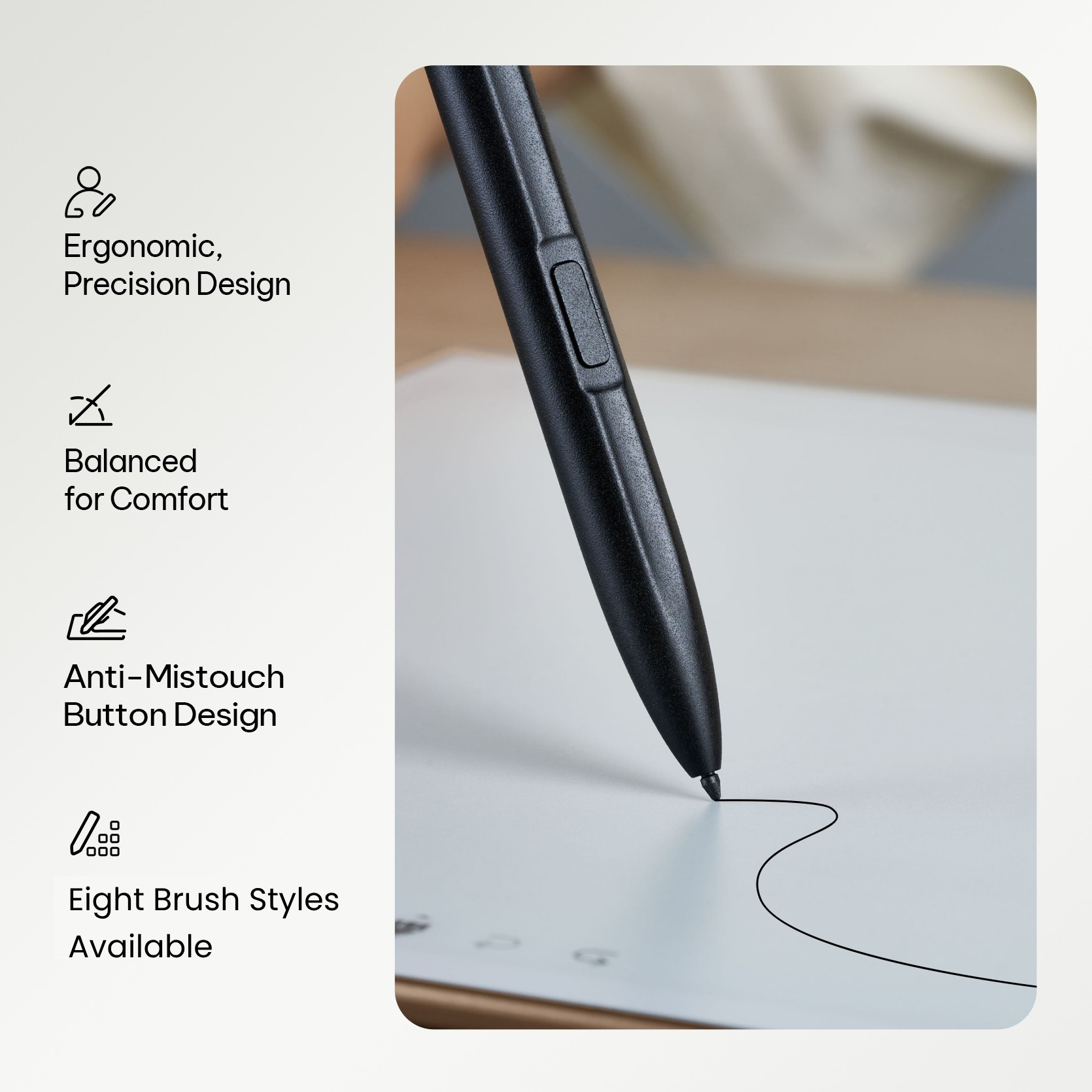
Enjoy a paper-like feel and a smooth 20 ms response that keeps pace with your ideas. Choose from eight brush styles to write, sketch, and explore your thoughts in your own way.

A Familiar Feel, More at Your Fingertips

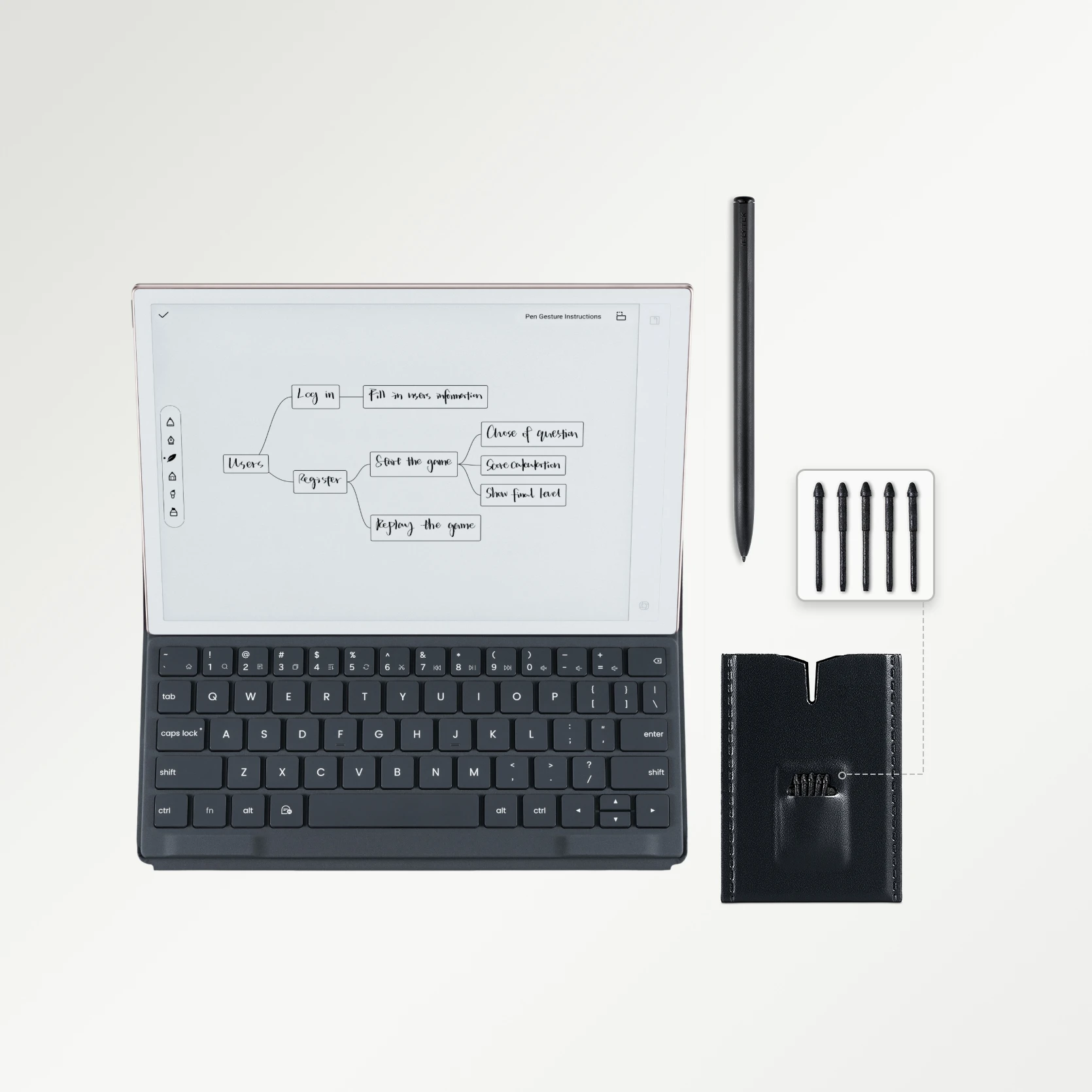
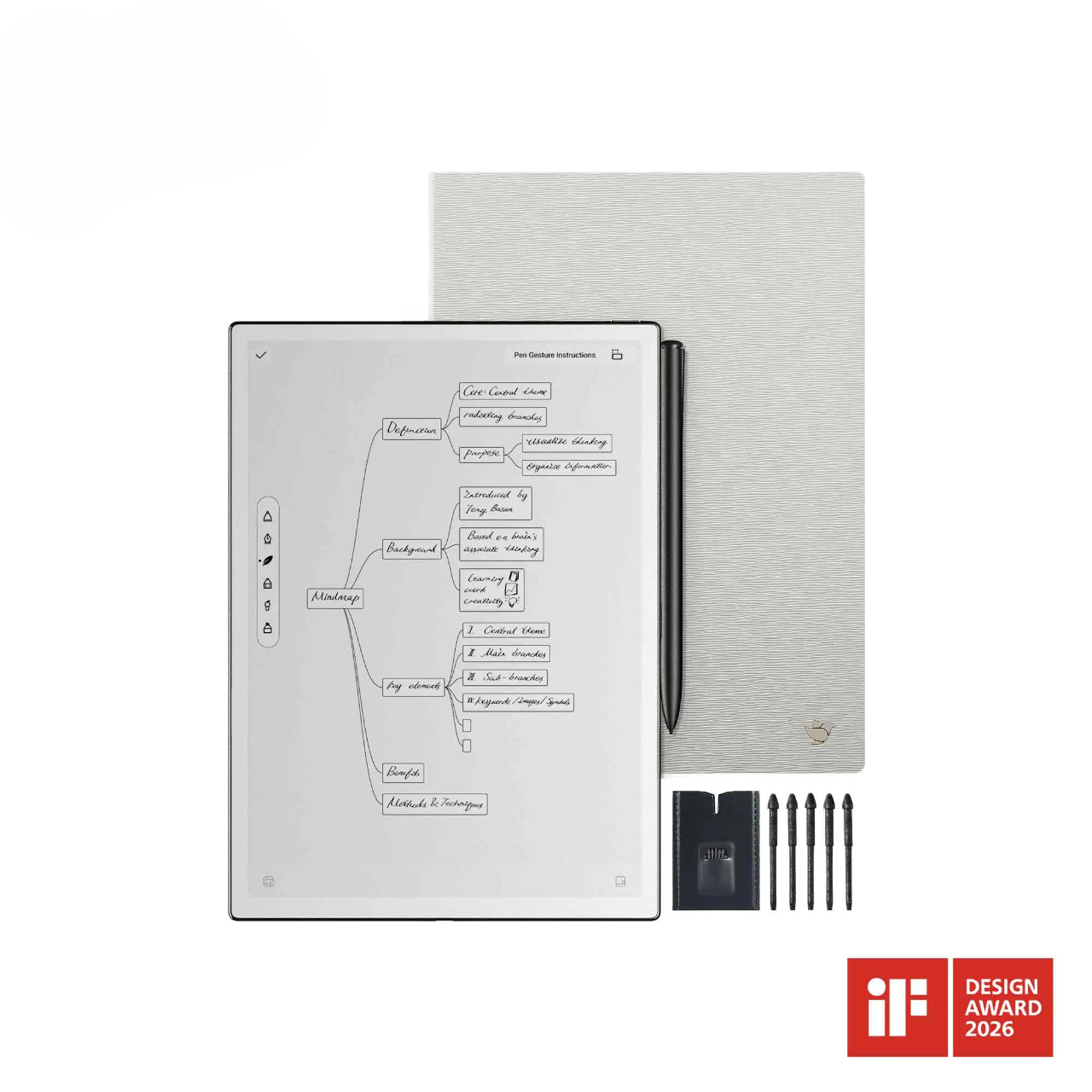
Powered by Wacom EMR technology, the battery-free pen offers 4,096 levels of pressure sensitivity for precise, expressive strokes. Flip it over to erase naturally, or use the multifunction button for quick gestures, such as circling content or marking key points with a star.

Find Your Starting Point

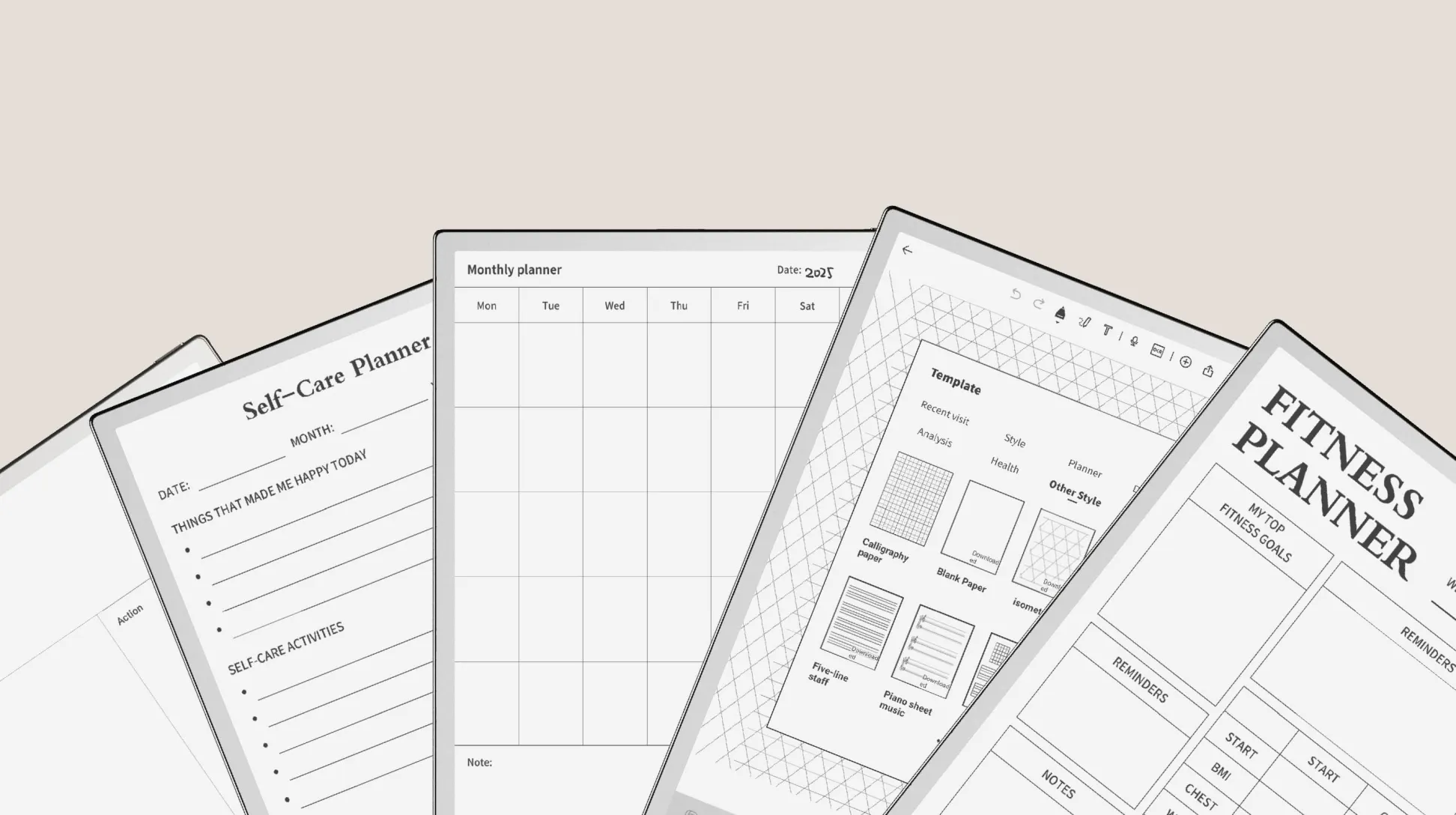
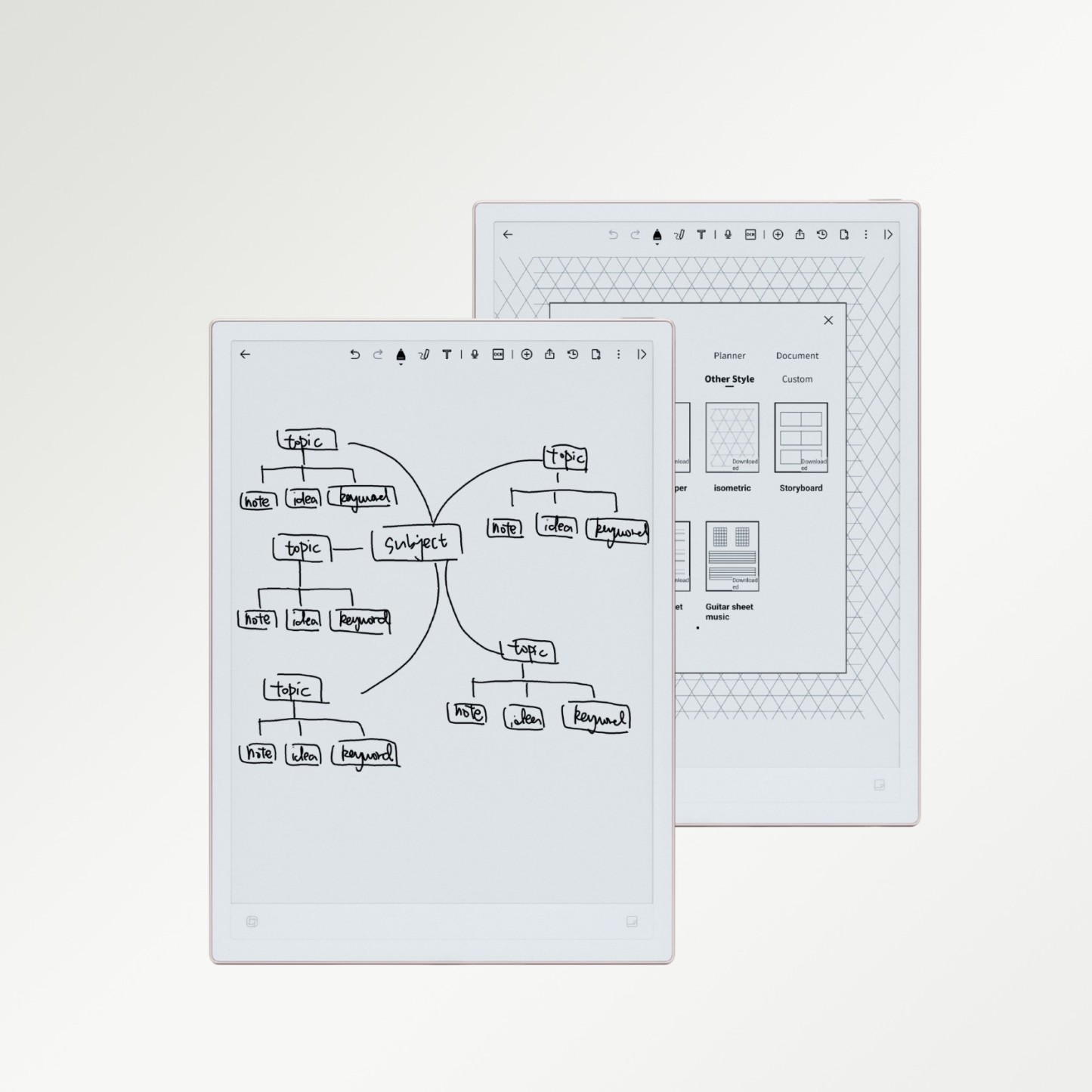
Choose from 20+ templates for planning, journaling, and creative thinking. Give your ideas a little structure, then make each page your own.

Room to Read, Space to Think

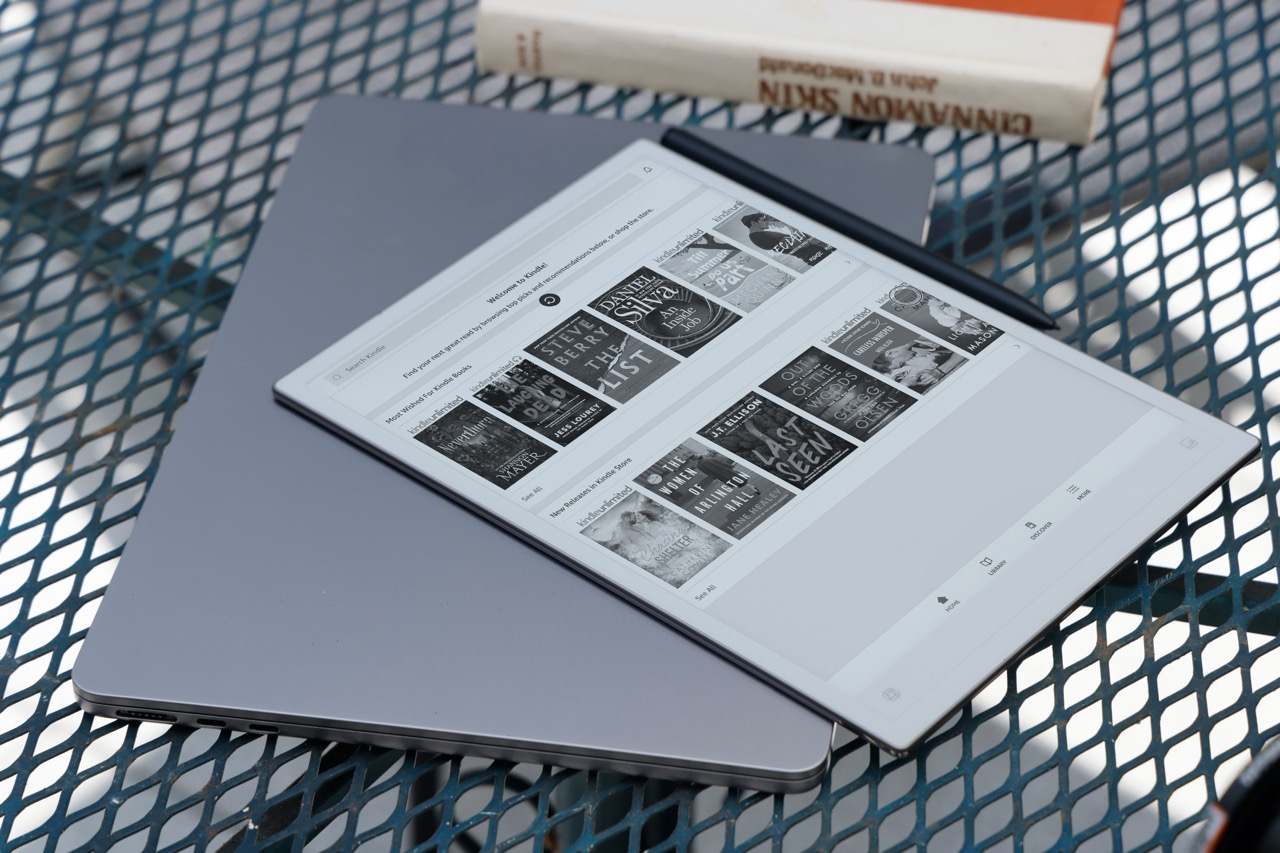
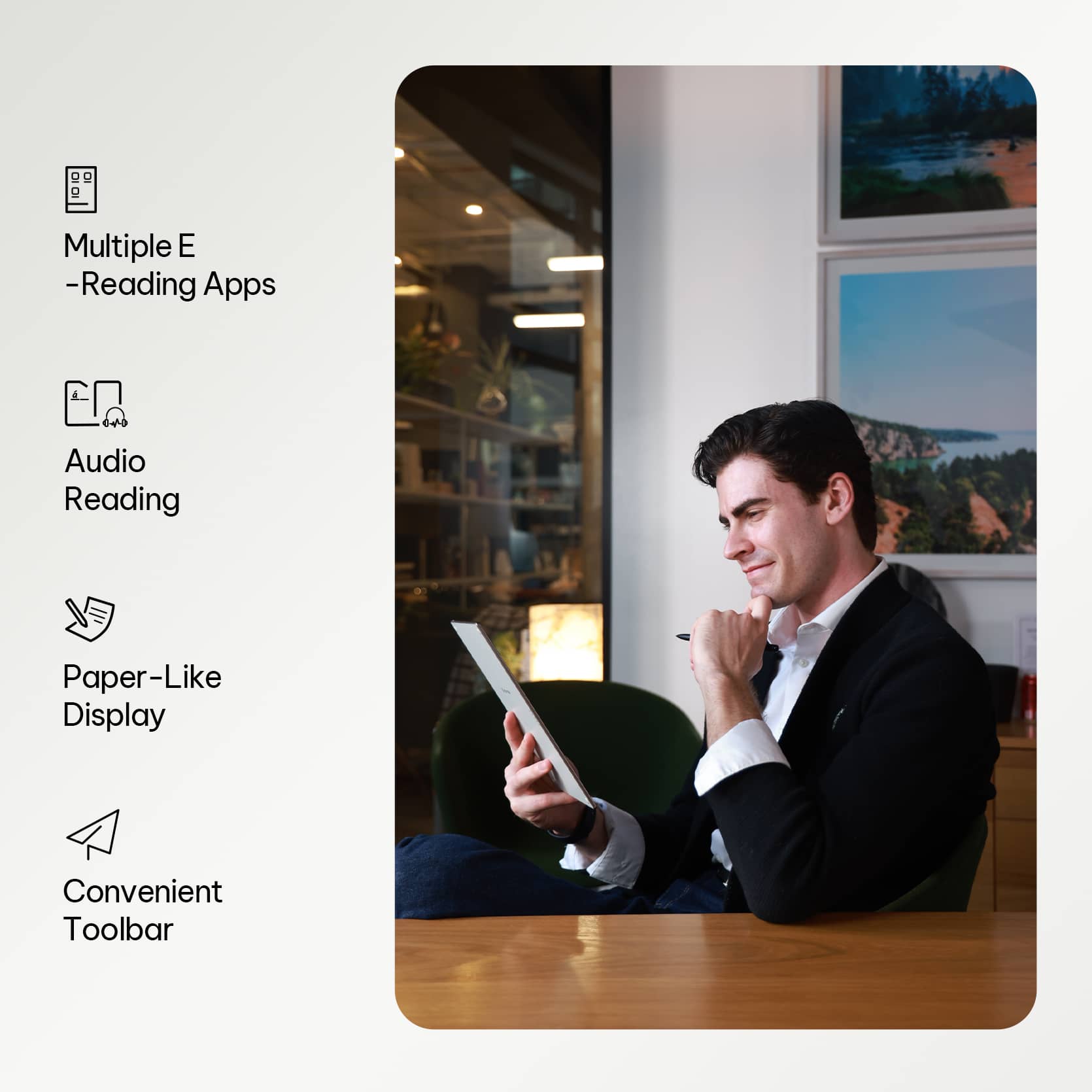
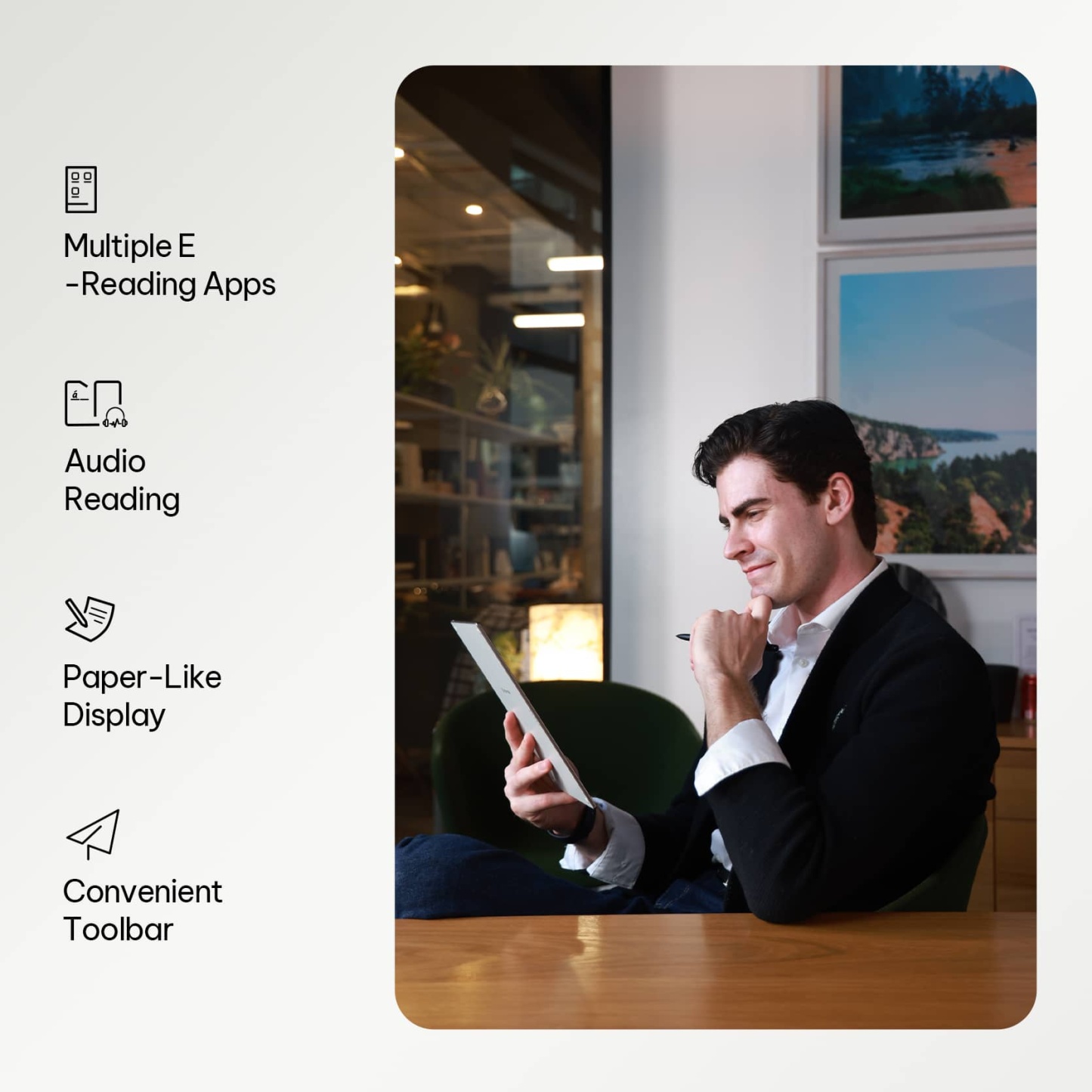
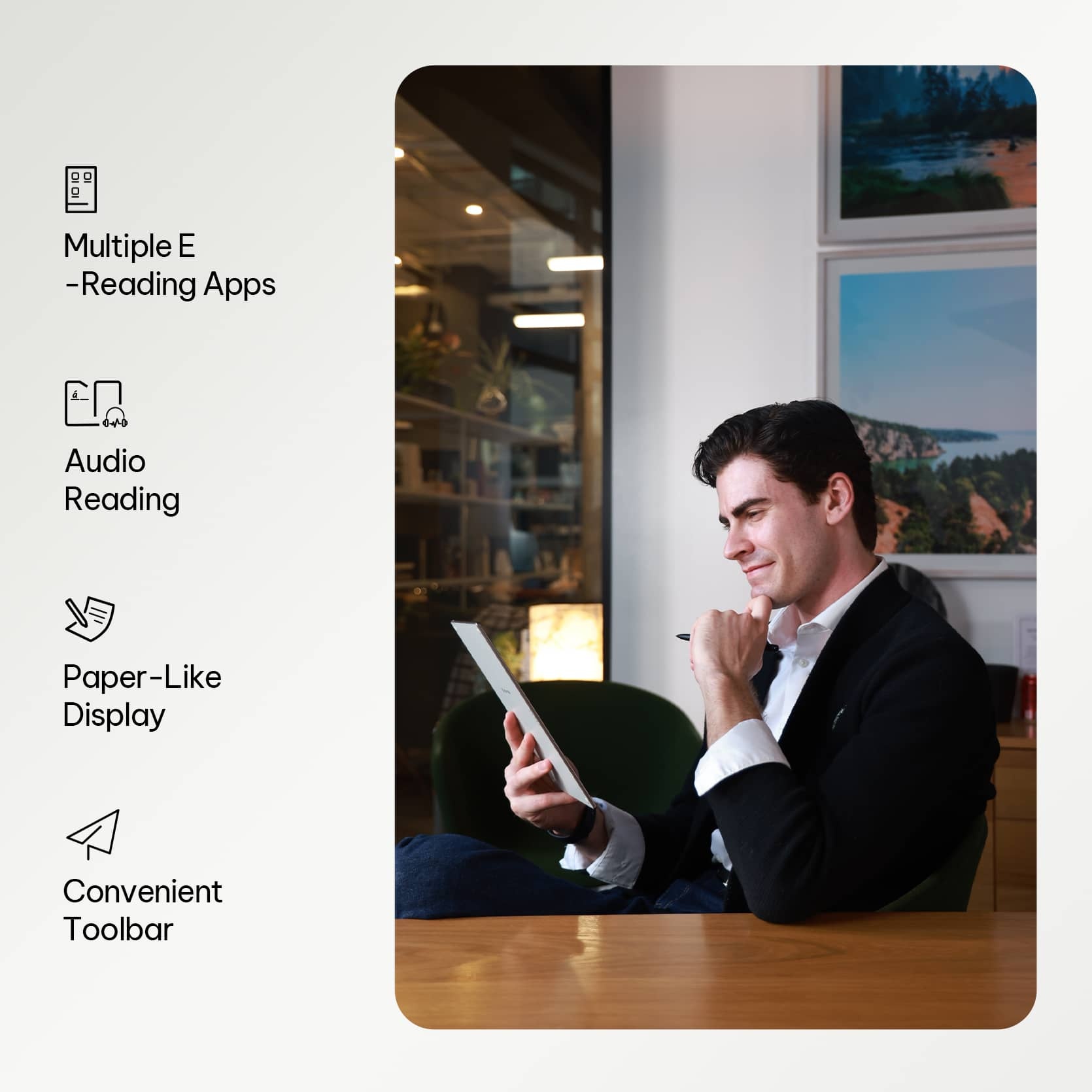
Explore books and documents on a spacious 10.65-inch E Ink display, with crisp text and paper-like clarity.

Read and Write, Side by Side

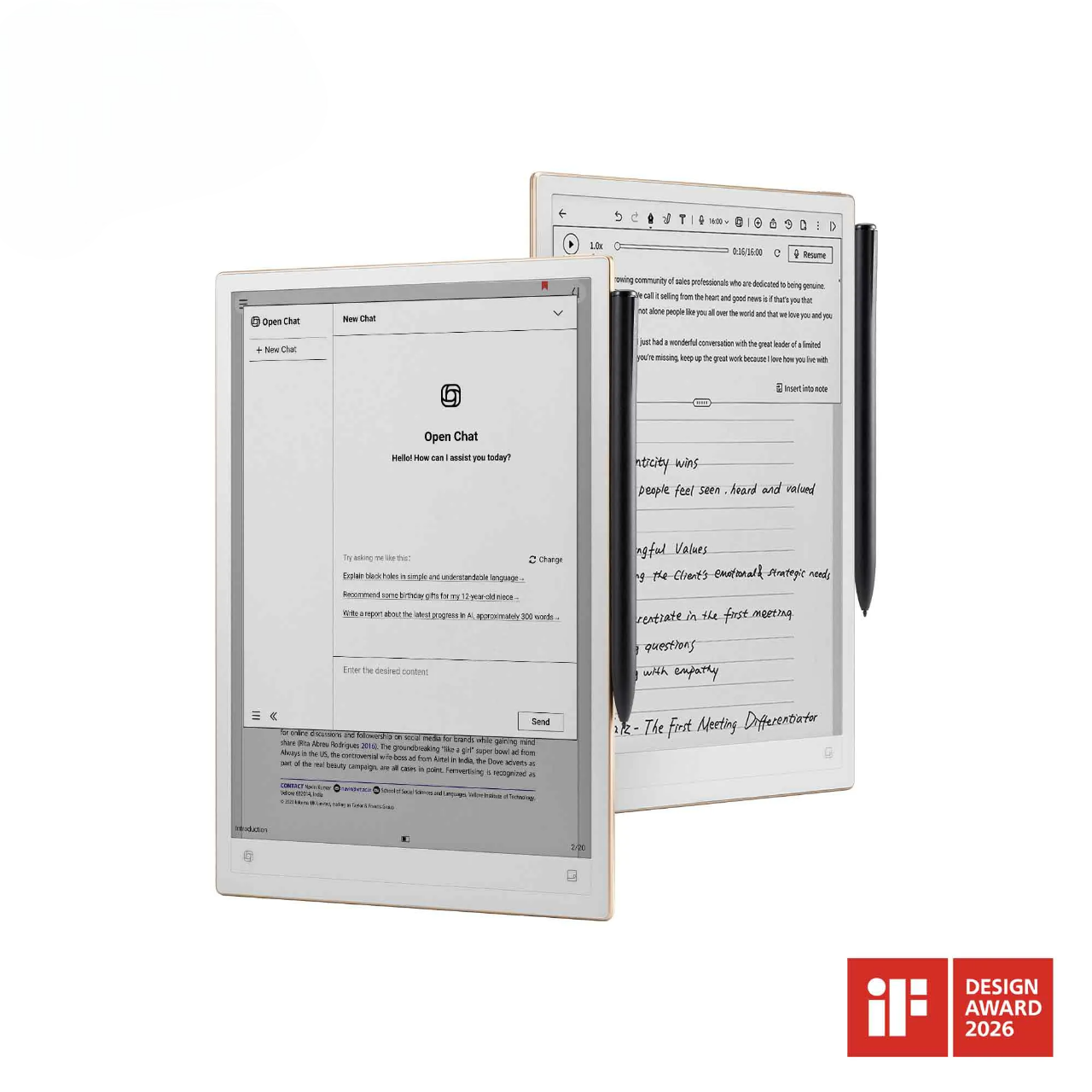
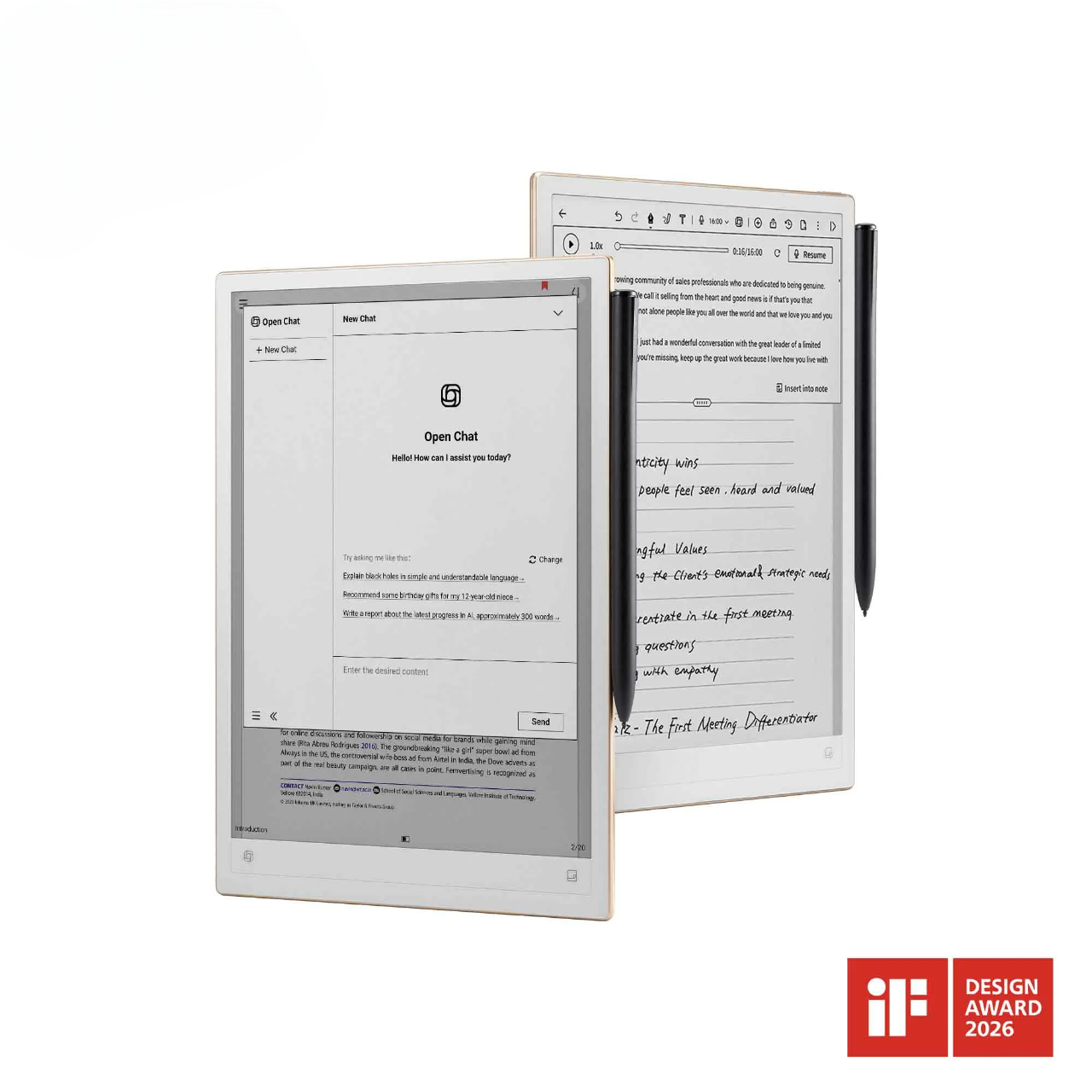
Keep your document on one side and your notes on the other. Capture ideas and build your understanding without switching between pages.

Make Your Mark on Every Page

Underline key passages and add handwritten comments directly to the page. Keep your thoughts beside the words that inspired them.

Understand More, Keep What Matters

Ask AI to help explain unfamiliar ideas as you read, and save meaningful excerpts to your notes for later.

Bring Your Reading with You

Import your own eBooks, reports and documents in a range of supported formats. Keep work reading and personal favourites together.

Take Your Ideas Further with AI

AI Writing

AI Writing

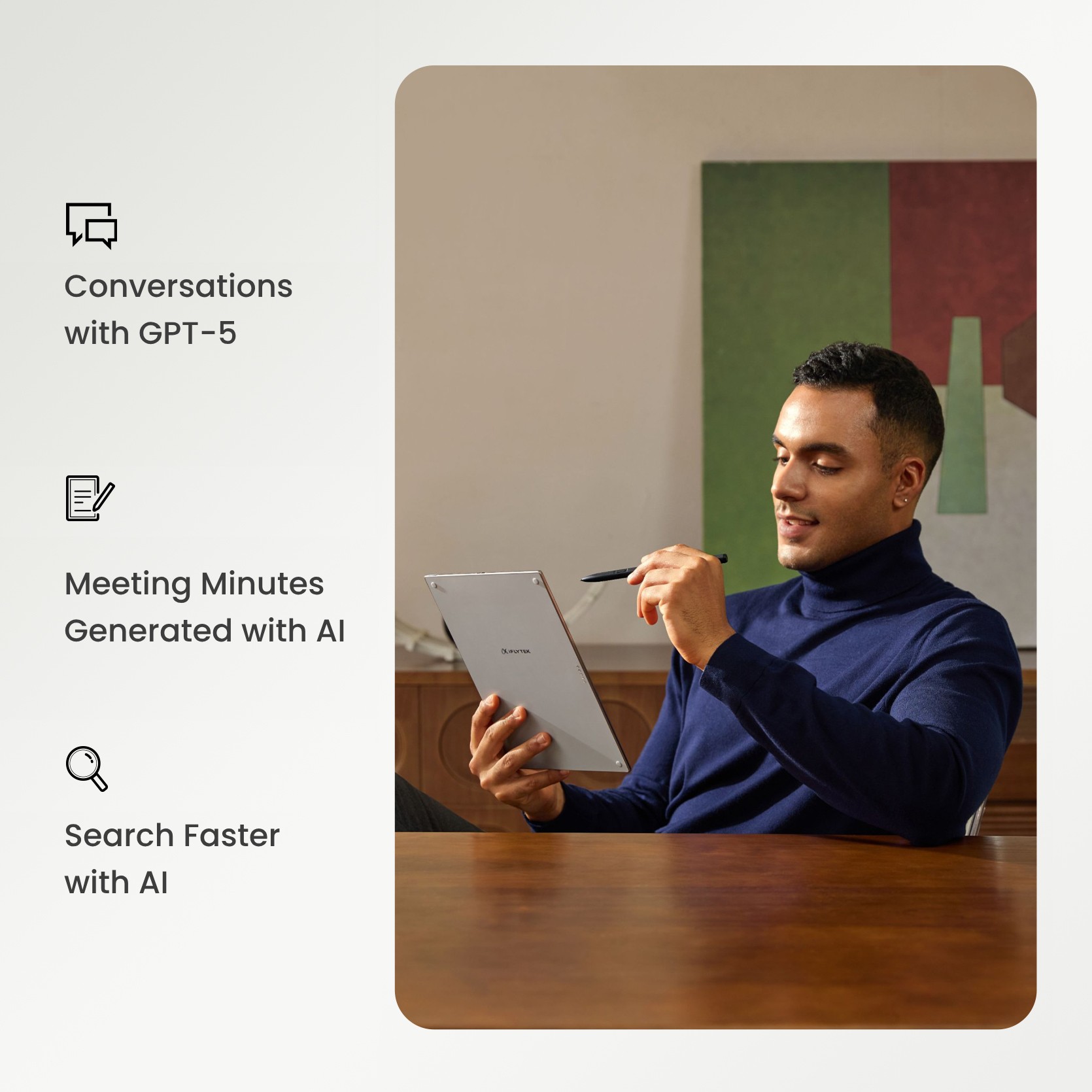
Turn key points or an outline into a draft for an email, proposal or report. Spend less time getting started and more time making it your own.
AI Conversation

AI Conversation

Explore ideas, compare approaches and ask follow-up questions. Work through challenges with AI as your thinking partner.
AI Search by Circle

AI Search by Circle

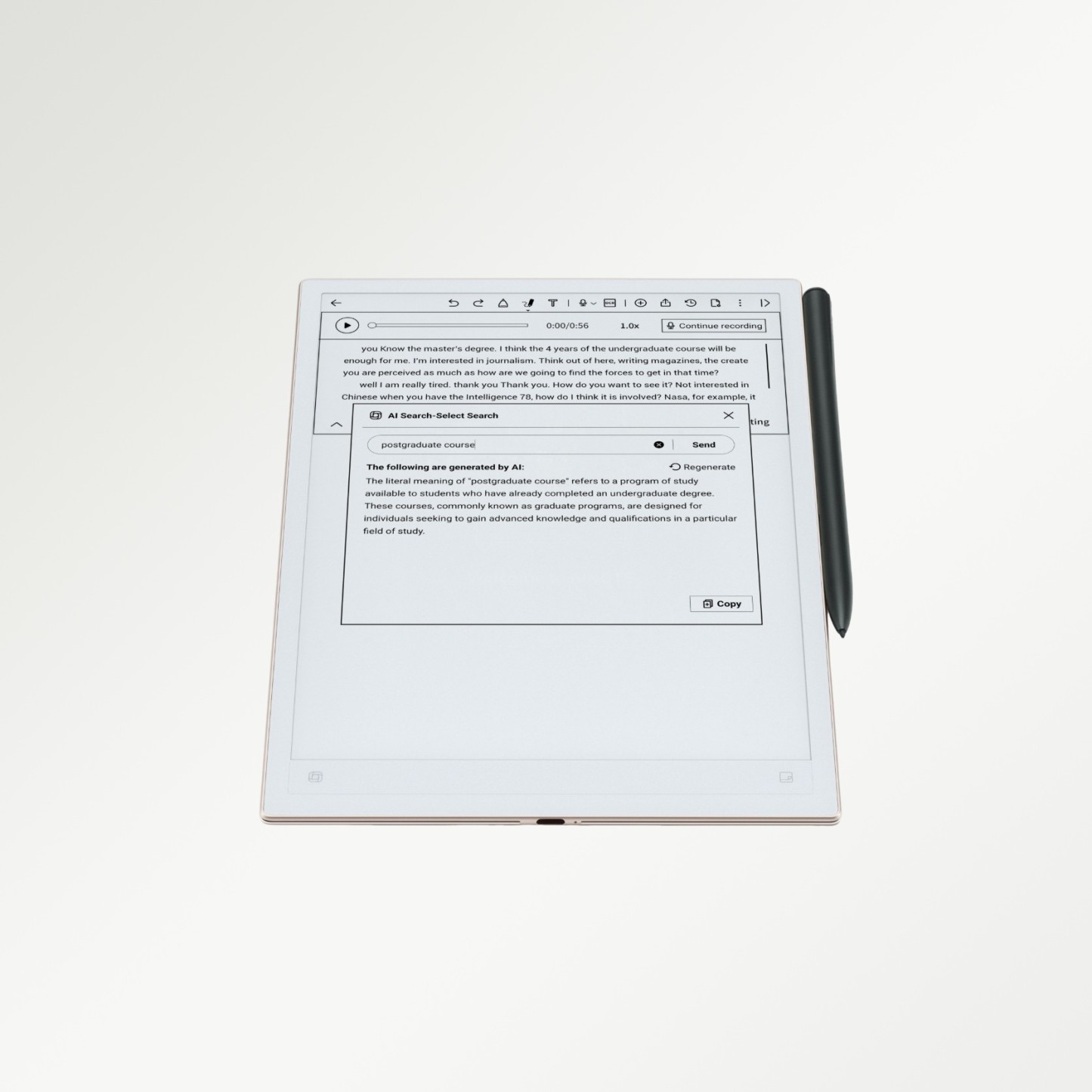
Circle a word, phrase or question to ask AI for an explanation. Get more context without typing it all again.

Built for Your Everyday

Carry More Ideas, Less Weight

An ultra-slim design that slips easily into your bag, keeping your notes and ideas close wherever work takes you.

Clear to Read, Easy to Focus

A clear E Ink display brings your notes and documents into focus, giving you space to read, review, and think.

More Notes, Fewer Recharges

A 4,000mAh battery delivers 14 days of typical use based on our testing, so you can spend more time on your ideas and less time plugging in.

Your Notes, Your Peace of Mind

Powered by AWS cloud infrastructure and built with privacy in mind, so you can confidently capture work conversations, personal notes, and your next big idea.

FIND YOUR FIT

Choose your AINOTE.

Two ways to do your best thinking. Find the one that fits your day.

FOR FOCUSED WORK

AINOTE 2

AINOTE 2

A bigger canvas.
More room for your ideas.

FOR LIFE ON THE GO

AINOTE Air 2

AINOTE Air 2

A lighter companion.
Ready when inspiration strikes.

Product comparison
FeatureAINOTE 2AINOTE Air 2
Display size

10.65″

E Ink display

8.2″

E Ink display
Thickness & weight

4.2 mm / 295 g

5–6.2 mm / 230 g

Processor

Octa-core

2.2 GHz

Quad-core

1.8 GHz
Storage

64 GB

32 GB

Battery

4,000 mAh

2,600 mAh

Google Play

Supported

GMS certified

Not GMS certified

AI writing & mind maps

Supported

Not supported

Front light

None

24-level adjustable

Speaker & camera

None

Built-in speaker

5 MP camera

Unlock More with AINOTE Pro

Enjoy 90 days of advanced AI features, offline transcription, and seamless note syncing with your new AINOTE 2.

Plan comparison
FeatureDetailsAINOTE Pro PlanAINOTE Starter Plan
Voice Transcription Minutes

Transcribe meetings, lectures, or interviews without time limits.

Unlimited

Unlimited

AI Models

Use AI to analyze notes, draft content or search.

GPT-6.1-Sol / Gemini 3.7 Flash

(includes support for future models)

GPT-6-Luna
Offline Voice Transcription

Transcribe audio without an internet connection.

English, Chinese, Japanese, Korean (includes support for future languages)

Not included

Note Sync

Back up all your work and access it on other devices.

Unlimited

Notes Edited Within 50 Days

Cross-Device Editing

Create and edit notes on your phone or computer with the AINOTE app.

View, Create and Edit

View Only

Note: Offline voice transcription is not available on AINOTE Air 2.

Specification

Hardware

Display
10.65-inch Flexible E Ink, No Front Light
Resolution
1920 × 2560, 300 PPI
Processor
Octa-Core, 2.2 GHz
Memory & Storage
4 GB RAM + 64 GB Storage
Stylus & Input

Touchscreen + Wacom EMR Stylus

Audio
4-Microphone Array, No Built-in Speaker
Wireless Connectivity
Wi-Fi 6, Bluetooth 5.4
Ports
USB-C, Pogo Pin Connector
Battery Capacity
4,000 mAh
Dimensions
247 × 178 × 4.2 mm
Weight
Approx. 295 g
Fingerprint Recognition
Supported

Software

Operating System
Android 14 (GMS Certified)
App Downloads
Google Play
Note Organization
Nested Folders & Tags
Handwriting Tools
8 Pen Types
Voice Transcription
19 Languages
Translation
15 Languages
Handwriting Recognition
133 Languages (Online)
Supported File Formats
PDF, EPUB, MOBI & Office Files
PDF Tools
Annotation & Reflow
Office Editing
WPS Office
Calendar Sync
Google Calendar
Email Support

Gmail & Outlook

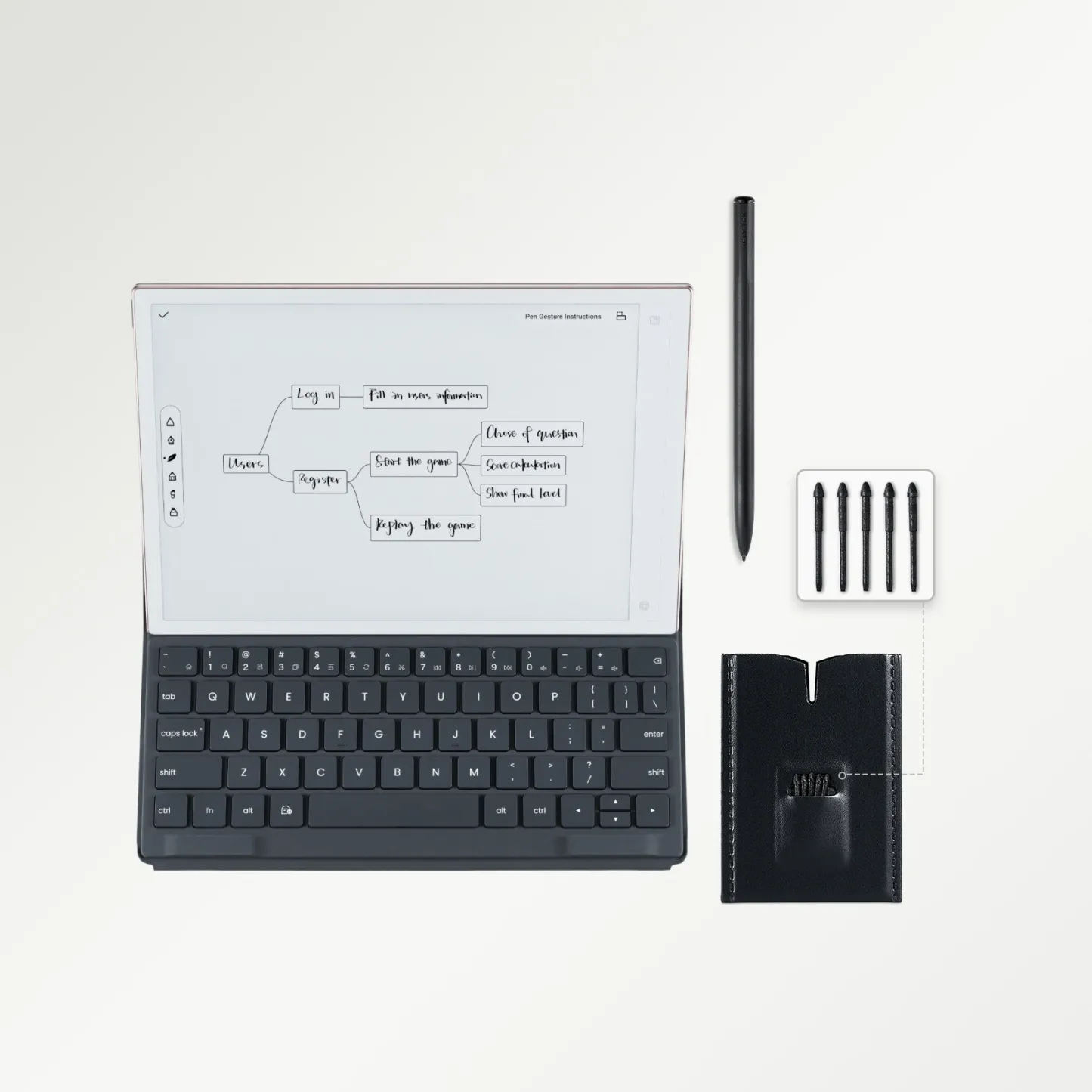
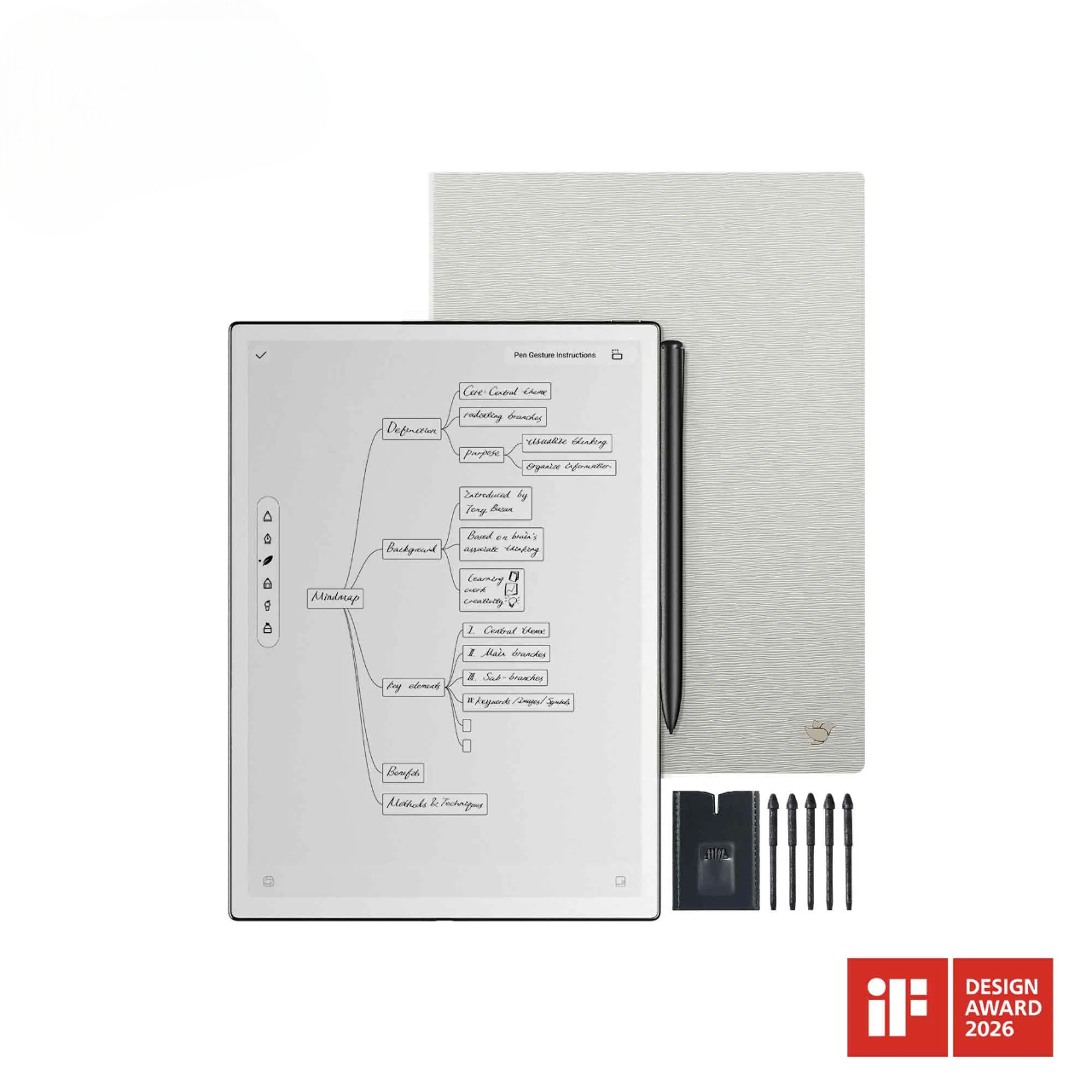
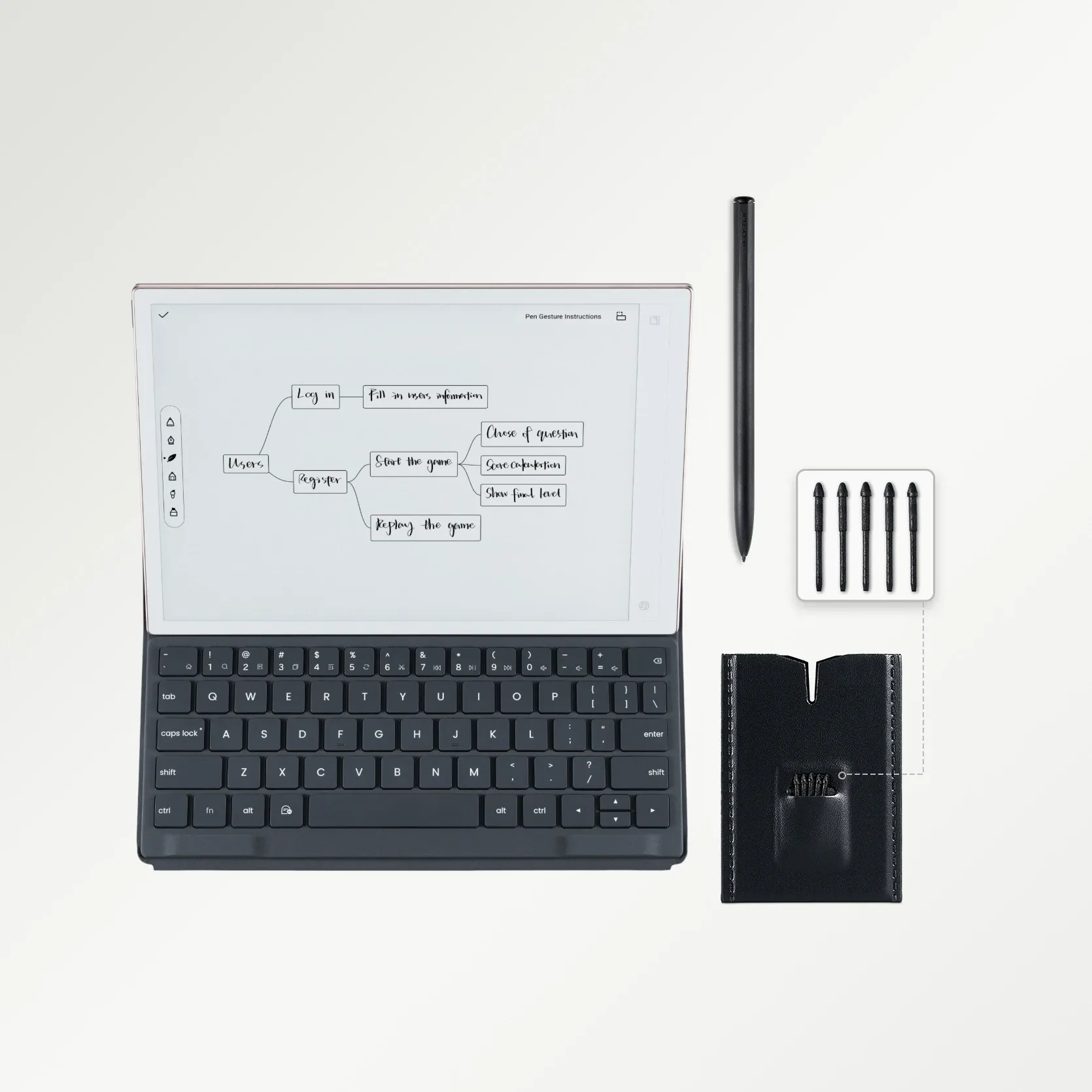
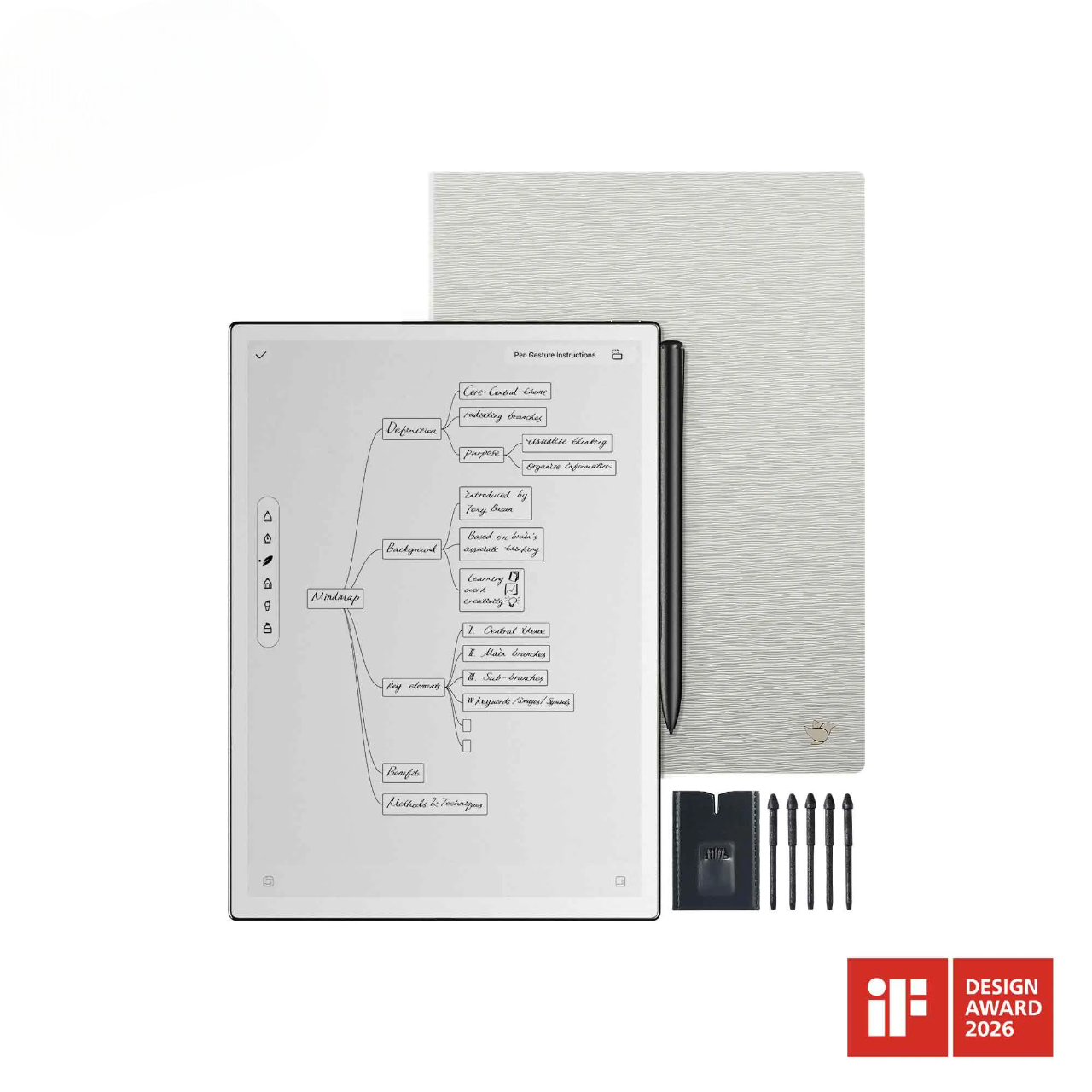
What's in the Box

FAQ

1. Which features are included at no additional cost, and do AI features require a subscription?

Core AI and productivity features are completely free out of the box with no mandatory subscription required.

  • Free Offline: Full note-taking, 80+ templates, document reading/markup (PDF, EPUB, MOBI, Office), offline handwriting-to-text (OCR), and file export.

  • Free Online: Real-time voice transcription, live translation, core AI tools (AI Conversation, AI Search by Circle, AI Meeting Minutes, AI Writing), and cloud storage sync.

  • Optional Pro Plan: A paid membership (AINOTE Pro) is only needed if you require offline speech transcription packages, expanded AI model quotas, or multi-device collaborative editing.

2. Which features can I use without Wi-Fi?

You can use all core reading, writing, and local processing features offline without an internet connection.

  • Note-Taking & Sketching: Create notes, mind maps, and drawings using 8 custom brush styles and pre-installed templates.

  • Reading & Markup: Open and annotate locally saved PDFs, eBooks, and documents.

  • Offline Handwriting Recognition: Convert handwritten notes into editable digital text using the built-in offline OCR engine.

  • Local Audio Recording & Export: Record meeting audio locally and transfer files directly via USB-C cable, OTG drive, or Bluetooth.

  • Note: Cloud sync, live online transcription/translation, and online AI searches require a Wi-Fi connection.

3. Does AINOTE 2 have a built-in front light? Can I use it in the dark?

AINOTE 2 does not have a built-in front light to ensure an ultra-thin 4.2 mm profile and authentic paper-like clarity.

  • Natural Paper Clarity: Omitting the front-light guide layer eliminates glare and surface distance, giving you the closest feel to writing on real paper.

  • Ambient Light Dependent: The 10.65-inch flexible E-Ink screen is easy on the eyes and reads comfortably in offices, meeting rooms, or direct sunlight.

  • Low-Light Use: In dark environments, you will need an external light source (such as a reading light or desk lamp), just like reading a physical book.

4. How does AINOTE 2’s response speed compare with a regular LCD tablet?

Stylus writing latency is ultra-fast (<20 ms) and feels instantaneous, while page refresh operates at standard E-Ink speeds.

  • Ultra-Low Pen Latency: Powered by an 8-core RK3576 processor and custom refresh algorithms, pen strokes respond with under 20 ms latency with zero distracting drag.

  • E-Ink Display Characteristics: Because electronic ink uses physical pigment microcapsules, fast scrolling, video playback, and dynamic UI animations are inherently less fluid than on 60 Hz/120 Hz LCD or OLED screens.

  • Optimized for Focus: The screen is engineered specifically for deep reading, handwriting, and meeting transcription without digital eye strain.

5. Can I install apps from Google Play, and what should I know about using them on AINOTE 2?

Yes, AINOTE 2 runs Android 14 and includes full Google Play Store support.

  • Full Android Ecosystem: You can install productivity, reading, and cloud storage apps directly from Google Play or sideload them via APK.

  • Best-Suited Apps: Static reading and document apps (e.g., Kindle, Kobo, WPS Office, Google Drive, OneDrive) run smoothly.

  • Display Optimization: Apps with heavy motion graphics, video streaming, or rapid animations may display ghosting or lower contrast on monochrome E-Ink screens.

6. What types of handwriting can AINOTE 2 convert into editable text?

AINOTE 2 converts print, standard cursive, headings, and structured paragraphs into editable digital text across 133 languages.

  • Wide Language & Style Support: Recognizes both neat print and natural cursive writing, organizing strokes into copyable, searchable text.

  • Searchable & Exportable: Converted text can be indexed inside notes or exported as TXT, Word, or PDF.

  • Recognition Tips: Extreme handwriting slant, irregular character spacing, hurried penmanship, or writing over complex sketches can reduce OCR accuracy.

Customer Review